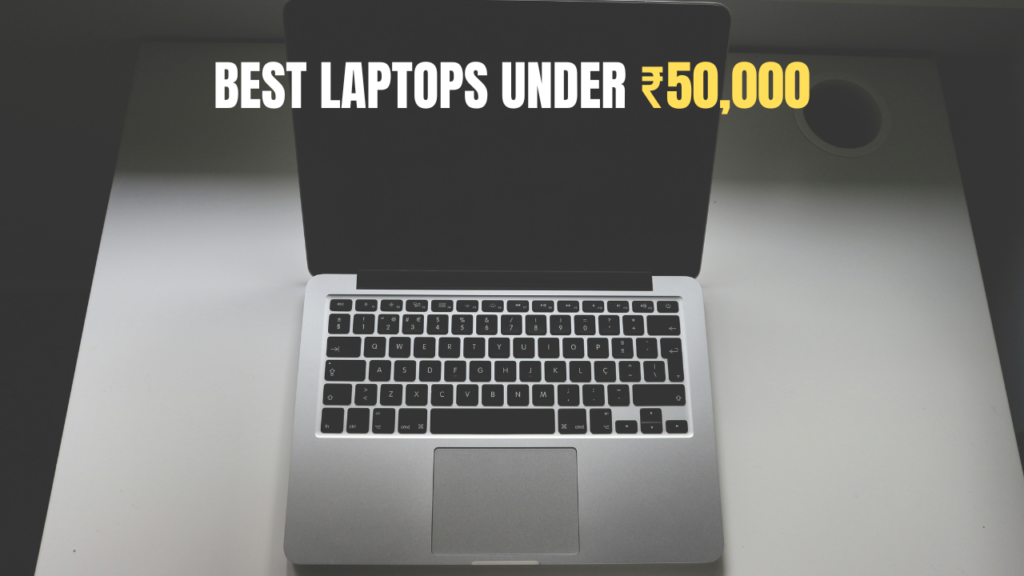
Can You Actually Get a Good Laptop Under ₹20,000 in 2026?
Yes — and better than you think. The budget laptop segment has improved dramatically in the last two years.
You are not going to get a video editing powerhouse. But for college notes, online classes, MS Office, web browsing, YouTube, and light coding — there are genuinely solid options under ₹20,000 in India right now.
The key is knowing which specs matter at this price point and which ones are marketing fluff. This guide cuts through all of that.
💻 Quick Reality Check: At ₹20,000, prioritise RAM (minimum 8GB), storage type (SSD over HDD always), and battery life. Display resolution and processor generation matter too. Never buy a laptop with 4GB RAM or an HDD-only storage in 2026 — no matter how cheap it looks.
Best Laptops Under ₹20,000 — Quick Picks
⚡ Top 5 Budget Laptops India 2026
- 🥇 Lenovo IdeaPad Slim 1 — Best overall under ₹20K — Ryzen 5, 8GB RAM, 512GB SSD
- 🥈 HP 15s (AMD) — Best for students — Reliable brand, good battery, 8GB RAM
- 🥉 ASUS VivoBook 15 — Best display — FHD screen, lightweight, fast SSD
- 🏅 Ultimus Pentium Quad — Best value — Lowest price with decent specs for basic tasks
All 5 Laptops — Side-by-Side Comparison
| Laptop | Processor | RAM / Storage | Display | Battery | Price (Approx) |
|---|---|---|---|---|---|
| Lenovo IdeaPad Slim 1 🏆 Best Overall |
AMD Ryzen 5 7520U | 8GB / 512GB SSD | 15.6″ FHD IPS | ~7–8 hrs | ₹18,490 |
| HP 15s AMD 🎓 Best for Students |
AMD Ryzen 3 7320U | 8GB / 256GB SSD | 15.6″ FHD | ~7 hrs | ₹17,990 |
| ASUS VivoBook 15 🖥️ Best Display |
Intel Celeron N4500 | 8GB / 512GB SSD | 15.6″ FHD IPS | ~6 hrs | ₹19,490 |
| Ultimus Pentium Quad 💰 Best Value |
Intel Core N4200 | 8GB / 256GB SSD | 15.6″ FHD | ~6.5 hrs | ₹16,990 |
1. Lenovo IdeaPad Slim 1 — Best Laptop Under ₹20,000
If you want the single best laptop under ₹20,000 in India right now — this is it. The Lenovo IdeaPad Slim 1 with AMD Ryzen 5 and 8GB RAM punches well above its price tag.
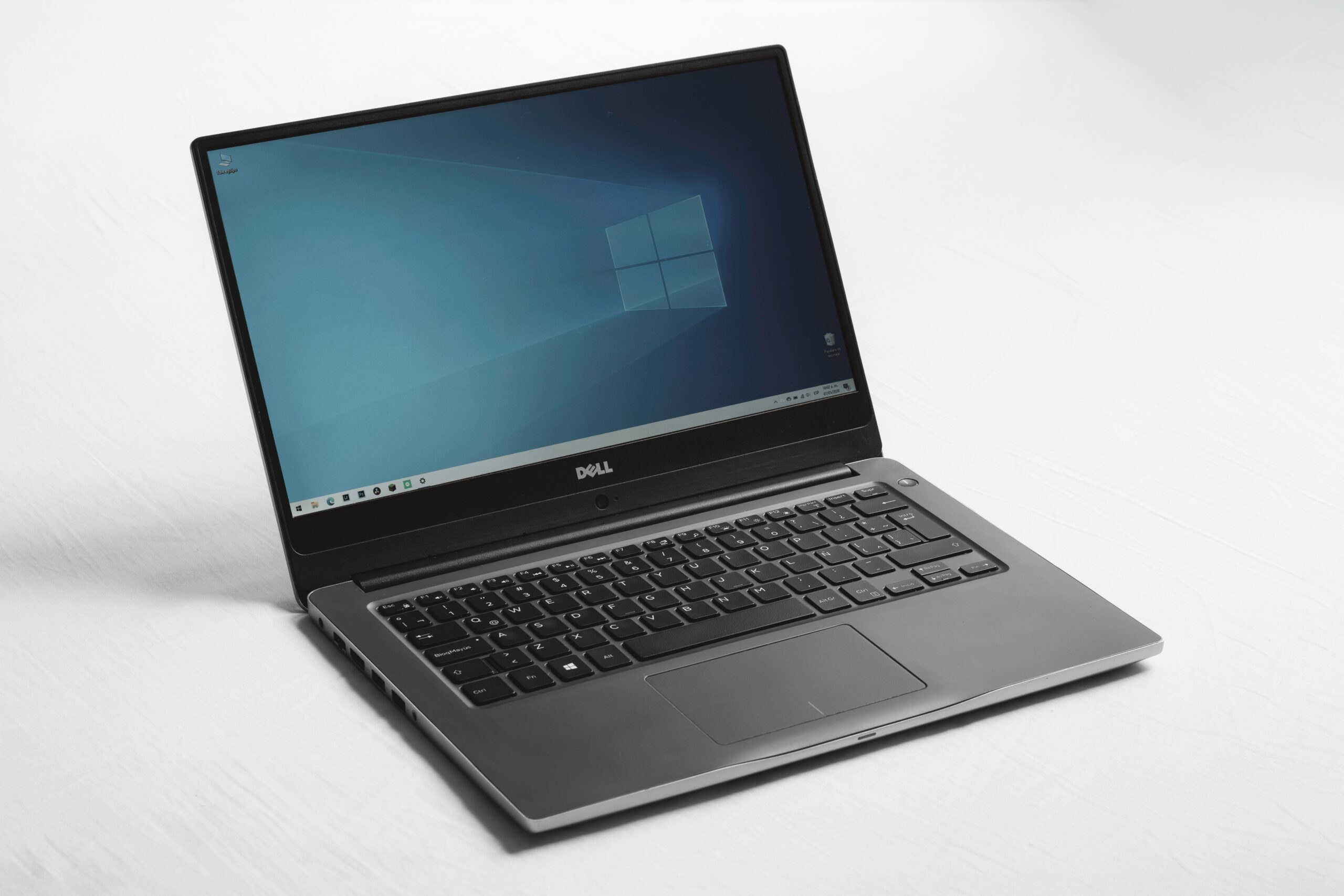
Lenovo IdeaPad Slim 1
🏆 Best Overall Under ₹20,000 — 2026The AMD Ryzen 5 7520U is genuinely fast for this price. It handles multitasking — multiple browser tabs, MS Office, YouTube, and even light coding — without any lag. The 512GB SSD is a huge bonus at this price point.
The 15.6-inch FHD IPS display has decent colours and viewing angles. Not a colour-accurate panel, but perfectly fine for students and everyday use. Battery life of 7–8 hours covers a full college day comfortably.
Build quality is plastic but solid — no creaks or flex. The keyboard is comfortable for long typing sessions. Connectivity includes USB-A, USB-C, HDMI, and a headphone jack — everything you actually need.
✅ What We Liked
- Ryzen 5 performance at ₹18K is unmatched
- 512GB SSD — plenty of space
- 7–8 hour battery — lasts a full day
- FHD IPS display — good viewing angles
- Windows 11 included
- Best value pick in this list
❌ Watch Out For
- Plastic build — not premium feeling
- No backlit keyboard
- Webcam is basic quality
Check current price below
* Prices change frequently. Always verify before purchasing.
2. HP 15s AMD — Most Reliable Brand at This Price
HP makes reliable laptops. Everyone knows this. The HP 15s AMD edition brings that reliability to the sub-₹20,000 bracket with an AMD Ryzen 3 processor and 8GB RAM.
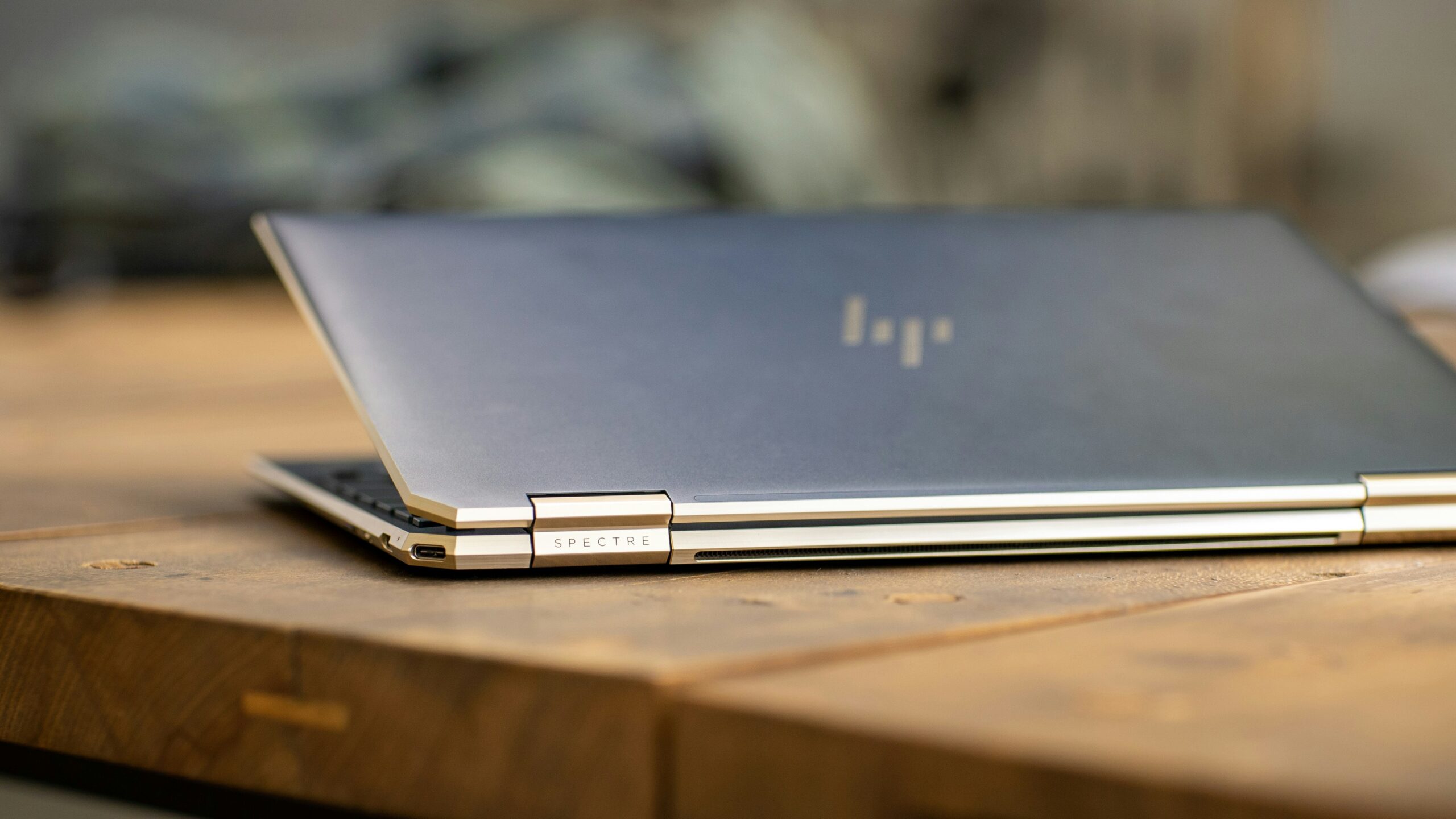
HP 15s — AMD Edition
🎓 Best for Students · Trusted Brand · Solid BatteryHP’s service network is one of the best in India — service centres in almost every city. For students who cannot afford repairs and need reliable after-sales support, HP’s brand backing matters more than a spec advantage on paper.
The Ryzen 3 7320U handles daily tasks smoothly. 256GB SSD fills up faster than you expect — plan to use cloud storage or an external drive for large files. Performance is not the fastest on this list, but it is consistent and reliable.
✅ What We Liked
- HP brand — excellent service network
- 8GB DDR5 RAM is fast
- Solid build quality for the price
- Good keyboard — comfortable for typing
- 7-hour battery for college use
- Lowest price on this list
❌ Watch Out For
- 256GB storage — fills up fast
- Ryzen 3 is slower than Ryzen 5
- Display could be brighter
Check current price below
* Prices change frequently. Always verify before purchasing.
3. ASUS VivoBook 15 — Best Screen Quality Under ₹20K
ASUS VivoBook laptops are known for their display quality and value. This Celeron-powered variant gets a genuinely good FHD IPS screen that makes studying and Netflix actually pleasant.
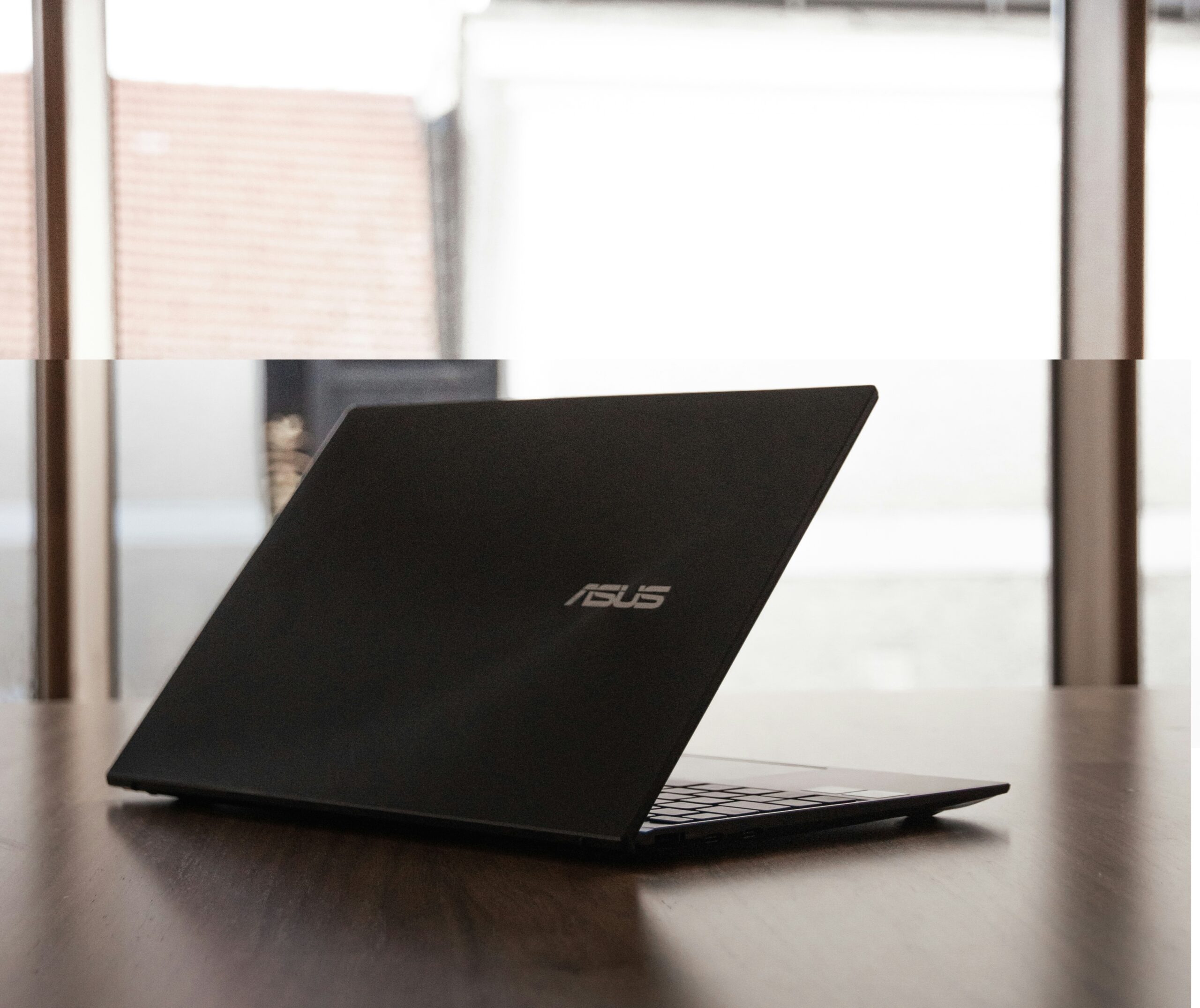
ASUS VivoBook 15
🖥️ Best Display · Lightweight · Fast SSDThe IPS display is the standout here — brighter, more colourful, and with better viewing angles than most laptops at this price. For long hours of reading, writing, or watching content, this display makes a real difference.
The Intel Celeron N4500 is the weakest processor on this list. It handles MS Office, basic browsing, and video playback fine. Heavy multitasking and video calls with multiple apps open will show slowdowns. Know this going in.
The 512GB SSD and 8GB RAM compensate nicely. The system feels snappier than the Celeron chip suggests because of the fast storage. Windows 11 Home S mode — you may want to switch out of S mode for full app access.
✅ What We Liked
- Best display in this price range
- 512GB SSD — large storage
- ASUS build quality is solid
- Lightweight for a 15.6-inch laptop
- Good for long study sessions
❌ Watch Out For
- Celeron — weakest chip on this list
- Battery life is shortest here
- Windows S mode — needs switching
Check current price below
* Prices change frequently. Always verify before purchasing.
4. Ultimus Pentium Quad Core — Budget Laptop for Basic Work
The Ultimus Pentium Quad Core Laptop is one of the most affordable laptops in this list. Slim profile, lightweight body, expandable dual storage, and a clean modern design make it a good option for students and office users on a tight budget.
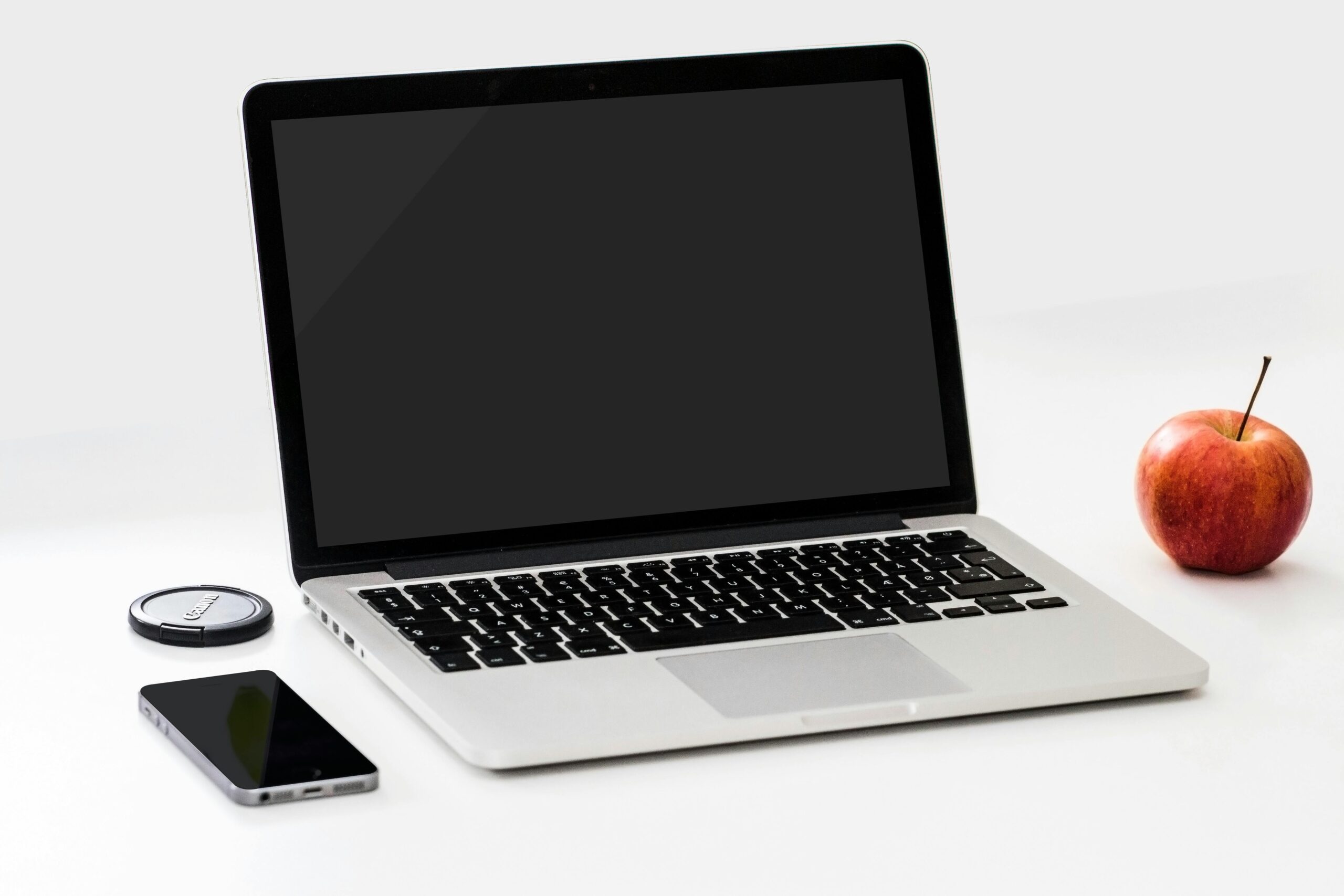
Ultimus Pentium Quad
✨ Best Design · Slim · Great Keyboard · FHD IPSThe Ultimus Pentium Quad Core focuses on portability and affordability. At just 1.2 kg, it is one of the lightest laptops in this budget segment. The slim body and 180° hinge make it easy to carry for classes, office work, and travel.
The 15.6-inch HD display is decent for online classes, browsing, YouTube, and office tasks. The laptop also includes useful ports like HDMI, USB, and SD card slot — something many budget laptops miss.
Performance is suitable for light daily work like MS Office, web browsing, Zoom meetings, and basic multitasking. The 8GB RAM helps with smoother usage, while the expandable SSD storage gives flexibility later.
✅ What We Liked
- Very lightweight — only 1.2 kg
- 8GB RAM at budget price
- SSD expandable up to 1TB
- 180° hinge design
- Good connectivity ports
❌ Watch Out For
- HD display instead of Full HD
- Not suitable for heavy gaming or editing
- Pentium processor is only for basic tasks
Check current price below
* Prices change frequently. Always verify before purchasing.
The One Spec That Matters Most Under ₹20,000
If you can remember only one thing from this guide — remember this. RAM is more important than processor at this price range.
8GB RAM makes any laptop feel fast for daily use. 4GB RAM makes even a fast processor feel sluggish in 2026 with Windows 11. Every laptop on this list has 8GB — do not compromise on this when shopping elsewhere.
SSD over HDD is the second rule. Any laptop with an HDD-only drive will feel painfully slow in 2026. All five picks here use SSDs — and that is non-negotiable.
📖 Read Full Buying Guide Below →Laptop Buying Guide — What to Check Under ₹20,000
Use this guide before making your final decision. These six points separate a good laptop purchase from a bad one at this price range.
RAM — 8GB Minimum, Always
8GB RAM is the absolute minimum for a comfortable Windows 11 experience in 2026. 4GB RAM will feel slow within months of purchase. Every laptop on this list has 8GB — if you are shopping outside this list, reject any 4GB option immediately regardless of price.
SSD — Never Buy HDD in 2026
SSD makes your laptop boot in seconds and open apps instantly. HDD makes everything feel sluggish. At this price range, SSDs are now available — there is no reason to accept HDD storage. 256GB SSD is the minimum — 512GB is better if you store files locally.
Processor — AMD vs Intel
AMD Ryzen processors generally offer better performance per rupee at this price range. Intel i3 (11th gen or newer) is also perfectly fine. Avoid older Intel Celeron and Pentium chips unless they are paired with very good RAM and SSD. Ryzen 5 at ₹18K is genuinely impressive.
Battery — Minimum 6 Hours Real Use
Manufacturer battery claims are always optimistic. Target laptops rated at 8+ hours — real use will be 5–6 hours. All five options here give at least 6 hours of actual use with normal brightness and mixed tasks. Anything under 5 hours real-world is a problem for students.
Display — FHD is Non-Negotiable
Full HD (1920×1080) resolution is the minimum acceptable display in 2026. HD (1366×768) resolution looks noticeably blurry and pixelated — especially on a 15-inch screen. Every laptop on this list has FHD. IPS panel adds better viewing angles and colours but is not always available at this price.
After-Sales Service — Brand Matters
In India, HP and Lenovo have the widest service centre networks — important if you are in a Tier 2 or Tier 3 city. ASUS and Acer are reasonable in metros. realme has the fewest centres. If you live away from major cities, prioritise HP or Lenovo for service accessibility.
💡 Should You Buy Now or Wait?
Buy now if you need a laptop for upcoming exams, a new college semester, or current work. Waiting rarely helps in the budget segment — prices in the ₹15K–₹20K range do not drop dramatically because components keep improving at similar price points. The Lenovo IdeaPad Slim 1 with Ryzen 5 at ₹18K is as good a deal as you will find in this range in 2026.
Which Laptop Should You Buy?
Match your situation to the right pick. Be honest about what you actually need — not what sounds best on paper.