The Right Laptop Can Make or Break Your Business Day
For a small business owner, the laptop is not just a device — it is the central tool through which everything happens. Furthermore, client meetings, financial spreadsheets, email management, video calls, invoicing, and document editing all run through that one machine. Consequently, the wrong laptop costs you not just money, but time and frustration every single working day.
However, choosing a business laptop is not simply about buying the most expensive option available. Moreover, a ₹2,00,000 laptop with 16 hours of battery life and a quiet fan serves a travelling entrepreneur far better than a ₹1,50,000 gaming machine with loud fans and 4-hour battery. Therefore, the right laptop is the one that fits your specific business workflow — not the one with the most impressive spec sheet.
Subsequently, this guide reviews five of the best laptops for small business owners in 2026 — tested across real-world business tasks including spreadsheets, video conferencing, document handling, and sustained multitasking. Ultimately, whether you run a retail shop, a freelance consultancy, a small agency, or an online business, this guide will help you find the right machine. Thus, no marketing fluff — only what actually matters for your work.
💼 What Small Business Owners Actually Need: Based on our research, the three most important factors for business laptop buyers are all-day battery life, keyboard quality for extended typing, and reliable performance during video calls and multitasking. Furthermore, long-term durability and after-sales service quality matter significantly more to business buyers than gaming benchmark scores.
Top 5 Business Laptops — 2026 Quick Summary
Our Top 5 Picks — Small Business Owners 2026
- 🥇 Best Overall: Apple MacBook Air M3 13″ — Best battery, silent, fast — ideal for most business owners
- 🥈 Best Windows: Dell XPS 13 Plus — Premium build, Thunderbolt 4, excellent display
- 🥉 Best Value: Lenovo ThinkPad E16 Gen 2 — Legendary keyboard, durability, business-grade build
- 🏅 Best Budget: ASUS VivoBook 16X OLED — OLED display, strong performance, under ₹80,000
- 🎖 Best for Travel: Microsoft Surface Pro 11 — 2-in-1 versatility, lightweight, stylus support
All 5 Business Laptops — Compared
Use this table to identify which laptop best matches your priorities before reading the full reviews below. Moreover, pay particular attention to battery life and weight — both matter enormously for business use.
| Laptop | Processor | RAM | Battery | Weight | India Price |
|---|---|---|---|---|---|
| MacBook Air M3 ⭐ Best Overall |
Apple M3 | 8GB–24GB | 15–18 hrs | 1.24 kg | ₹1,14,900+ |
| Dell XPS 13 Plus 🏆 Best Windows |
Intel Core Ultra 7 | 16GB–32GB | 8–12 hrs | 1.26 kg | ₹1,20,000+ |
| Lenovo ThinkPad E16 💪 Best Value |
AMD Ryzen 7 7730U | 16GB–32GB | 9–12 hrs | 1.76 kg | ₹72,000+ |
| ASUS VivoBook 16X 💰 Budget Pick |
Intel Core i7-13700H | 16GB | 7–9 hrs | 1.88 kg | ₹74,990+ |
| Surface Pro 11 ✈️ Travel |
Snapdragon X Elite | 16GB–32GB | 13–15 hrs | 0.89 kg | ₹1,35,000+ |
1. Apple MacBook Air M3 — The Best Business Laptop for Most Owners
The MacBook Air M3 is, without question, the most well-rounded business laptop available in 2026. Furthermore, it delivers extraordinary battery life, completely silent operation, fast M3 performance, and a premium build — all in a 1.24 kg chassis that slips effortlessly into any laptop bag. Consequently, for small business owners who move between office, home, café, and client meetings throughout the day, this machine is genuinely transformative.
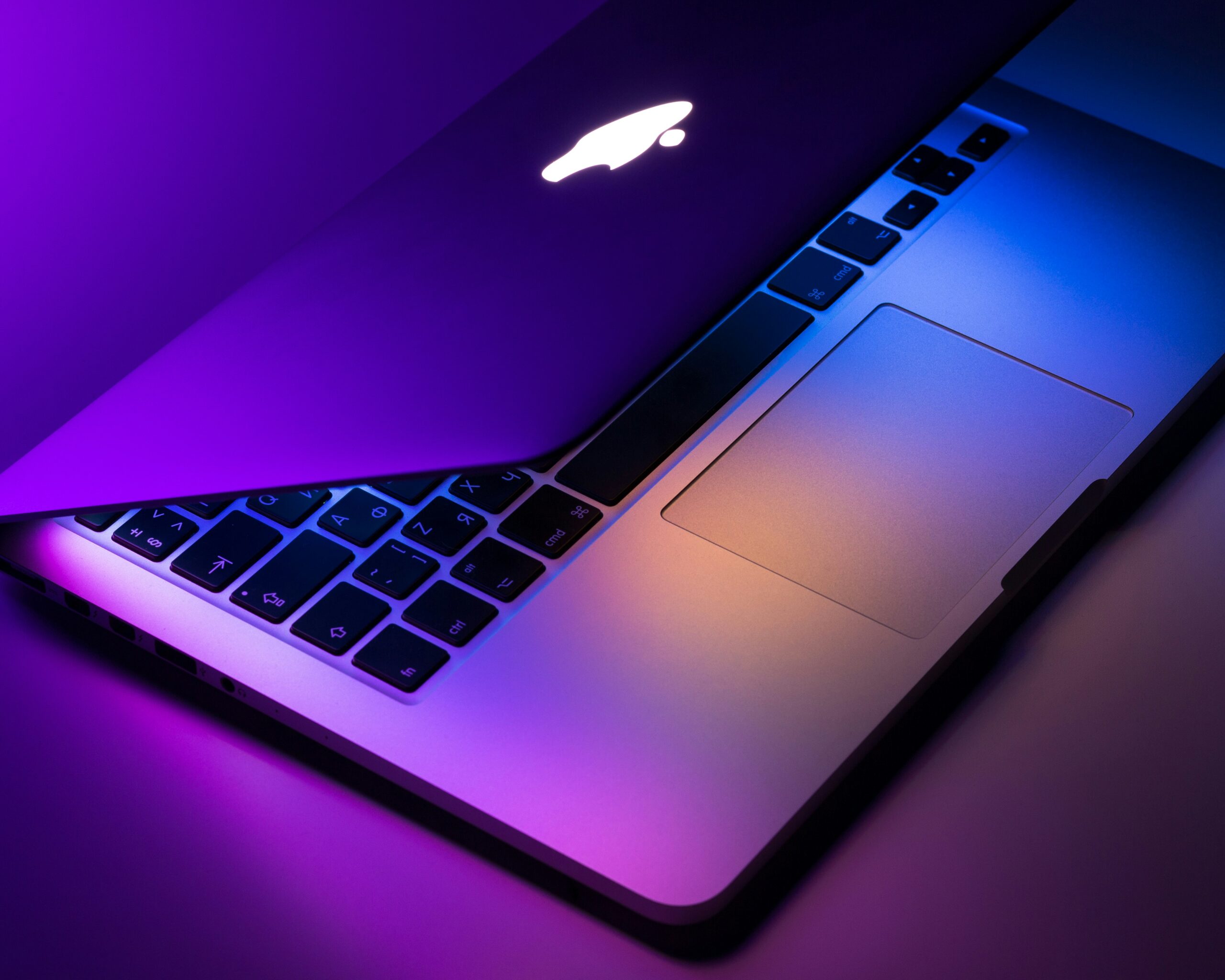
The M3 chip handles every business task — spreadsheets, presentations, video calls, document editing, and browser multitasking — without breaking a sweat. Furthermore, the fanless design means this laptop is completely silent during all typical business workloads. Consequently, video calls, meetings, and focused work sessions are never interrupted by fan noise — a detail that matters more than most buyers realise until they experience it.
Battery life is the MacBook Air M3’s most compelling business advantage. Moreover, 15 to 18 hours of real-world mixed use means most business owners can work a full day — including a dinner meeting — without ever reaching for a charger. Meanwhile, MagSafe charging brings the battery from flat to 50% in under 35 minutes when you do need a top-up.
However, the base model ships with only 8GB RAM. Consequently, we strongly recommend upgrading to 16GB for business use — particularly if you regularly run multiple browser tabs, a video conferencing app, and productivity tools simultaneously. Furthermore, since RAM cannot be upgraded after purchase, choosing the right configuration at the time of buying is critical. Ultimately, the MacBook Air M3 is the best single laptop investment a small business owner can make in 2026. Thus, start with 16GB RAM and at least 512GB storage — and this machine will serve you confidently for the next five to six years.
✅ Business Strengths
- 15–18 hrs battery — full day, no charger
- Completely silent — fanless design
- 1.24 kg — lightest quality laptop here
- Excellent Zoom and Meet performance
- MagSafe + USB-C charging flexibility
- macOS — excellent for productivity
- 7+ years of software updates
❌ Business Limitations
- RAM not upgradeable after purchase
- 8GB base model — choose 16GB minimum
- No SD card slot on 13-inch model
- macOS learning curve for Windows users
2. Dell XPS 13 Plus — Best Premium Windows Business Laptop
Dell’s XPS range has long been the benchmark for premium Windows laptops. Furthermore, the 2025 XPS 13 Plus with Intel Core Ultra 7 processors addresses the performance gaps that held earlier models back. Consequently, for small business owners who prefer Windows — or whose business software specifically requires it — this is the most refined and capable option available.
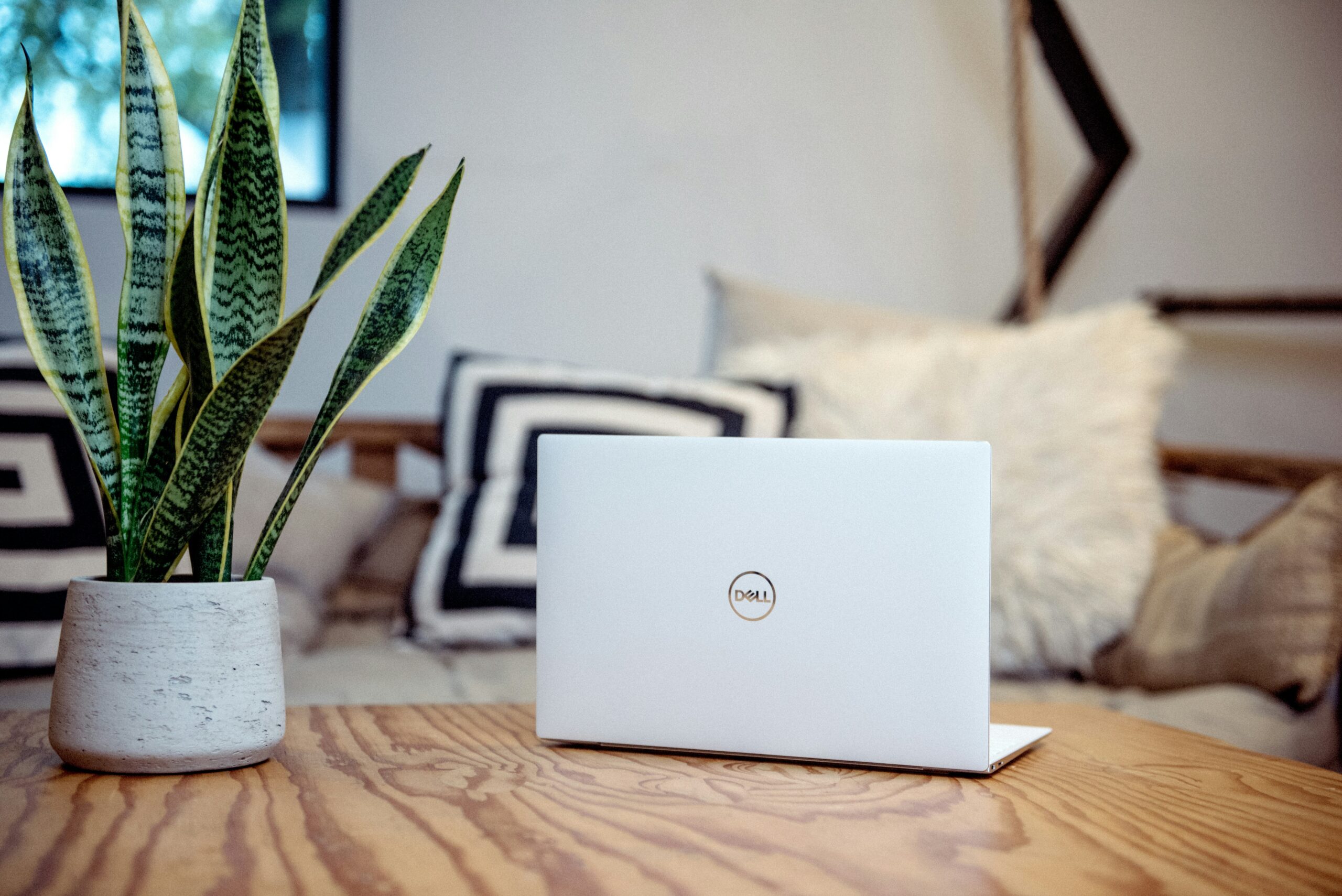
The Dell XPS 13 Plus features one of the best laptop displays available at any price — a 3.5K OLED panel with 120Hz refresh and exceptional colour accuracy. Furthermore, for business owners who regularly review design mockups, edit marketing materials, or present to clients on the laptop screen itself, this display quality is a genuine competitive advantage. Moreover, the haptic touchpad and edge-to-edge keyboard deliver a premium typing experience that rewards all-day document work.
Intel Core Ultra 7 performance handles demanding Windows workflows confidently — including heavy Excel models, multi-browser research sessions, and simultaneous video conferencing. Furthermore, Thunderbolt 4 ports deliver fast data transfer and display output compatibility with virtually any external monitor or dock. However, battery life at 8 to 12 hours is decent but noticeably shorter than the MacBook Air M3. Conversely, for buyers whose work stays primarily at a desk or close to power outlets, this difference is less significant in daily practice. Ultimately, the XPS 13 Plus is the finest Windows business laptop available under ₹1,30,000 for those who need the Windows ecosystem.
✅ Business Strengths
- 3.5K OLED display — exceptional clarity
- Thunderbolt 4 — full dock compatibility
- 16GB–32GB RAM — excellent multitasking
- Premium aluminium build — very durable
- Fast SSD — rapid boot and file access
- Full Windows compatibility
❌ Business Limitations
- 8–12 hr battery — shorter than MacBook
- Only USB-C ports — adapter sometimes needed
- Fan can be noisy under heavy load
- Premium price point
3. Lenovo ThinkPad E16 Gen 2 — Best Value Business Laptop
The ThinkPad name carries decades of business credibility. Furthermore, Lenovo’s ThinkPad E series delivers the core ThinkPad experience — legendary keyboard, reliable durability, and business-grade build quality — at a price point that makes it accessible for growing small businesses. Consequently, the ThinkPad E16 Gen 2 is the most sensible value proposition on this entire list.
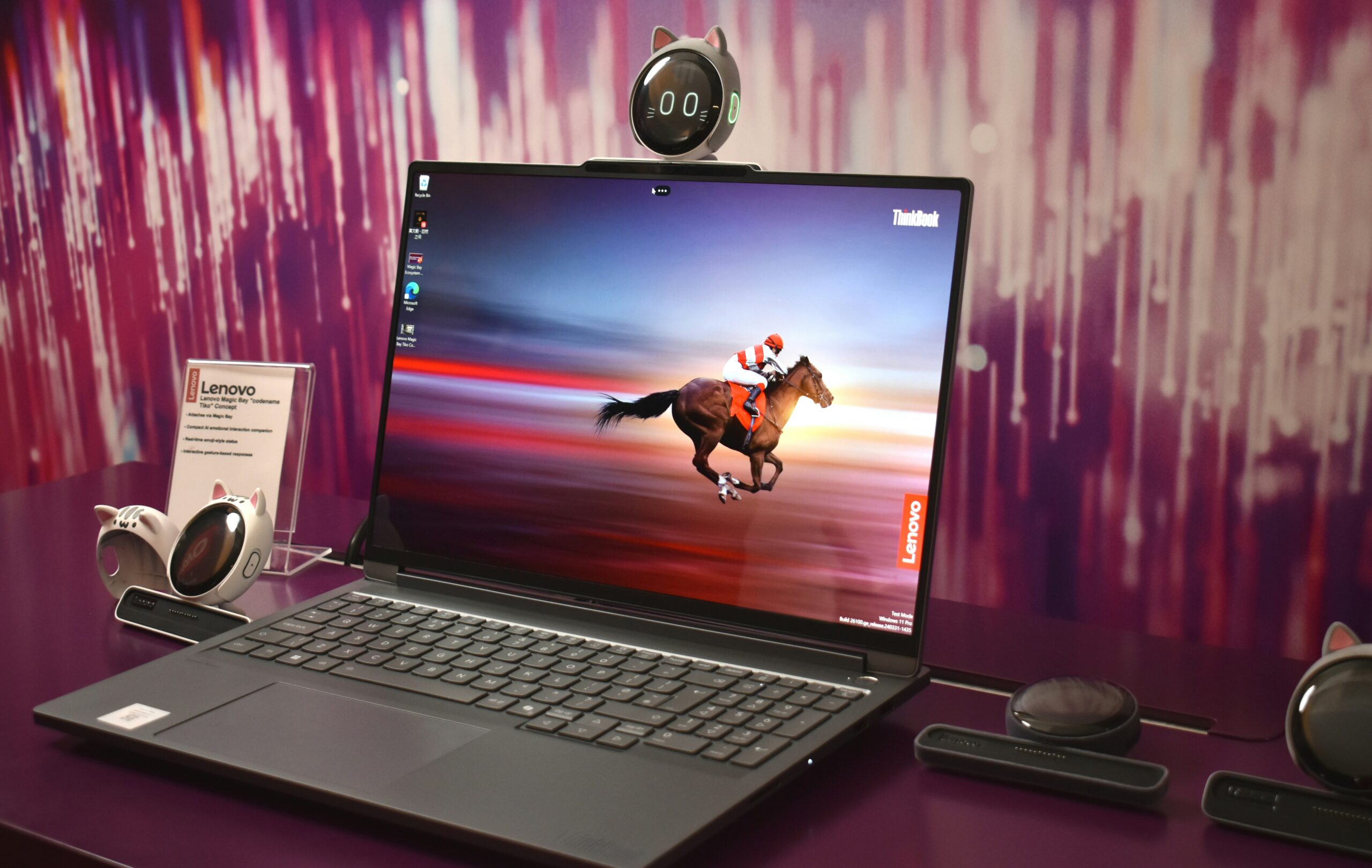
The ThinkPad keyboard is universally regarded as the best typing experience available on any laptop. Furthermore, for business owners who spend 6 to 8 hours daily typing emails, proposals, reports, and spreadsheet entries, keyboard quality directly affects productivity and long-term comfort. Consequently, the ThinkPad E16’s keyboard alone justifies serious consideration for anyone who types heavily as part of their daily work.
The AMD Ryzen 7 7730U processor delivers reliable business performance — video calls, document editing, spreadsheet calculations, and browser multitasking all run smoothly without any noticeable lag. Moreover, the comprehensive port selection — including full-size USB-A, HDMI, and SD card reader — means this laptop works immediately with existing business peripherals without adapters. Furthermore, MIL-STD-810H military-grade durability certification means it withstands the drops, spills, and rough handling that real-world business travel inevitably brings.
However, the 1.76 kg weight is heavier than the MacBook Air and XPS 13. Conversely, the 16-inch display provides noticeably more screen real estate — which many business users find reduces the need for an external monitor. Ultimately, for small business owners who want a reliable, durable, keyboard-first laptop at a price that leaves budget for other business investments, the ThinkPad E16 Gen 2 is the most sensible choice. Thus, it has earned its place as one of the most recommended business laptops year after year.
✅ Business Strengths
- Best-in-class keyboard for typing
- MIL-STD-810H military durability
- Full port selection — no adapters
- Large 16-inch display
- Upgradeable RAM and storage
- Under ₹75,000 — best value here
❌ Business Limitations
- 1.76 kg — heaviest on this list
- Display not as sharp as OLED rivals
- Less premium aesthetic than XPS or MacBook
4. ASUS VivoBook 16X OLED — Best Budget Business Laptop with OLED
ASUS has consistently delivered strong value in the Indian laptop market. Furthermore, the VivoBook 16X OLED brings a genuine OLED display — previously reserved for premium-segment laptops — into the sub-₹80,000 price bracket. Consequently, small business owners who present to clients, review marketing visuals, or simply want a better-looking screen at their desk will be immediately impressed by what this laptop offers for the price.
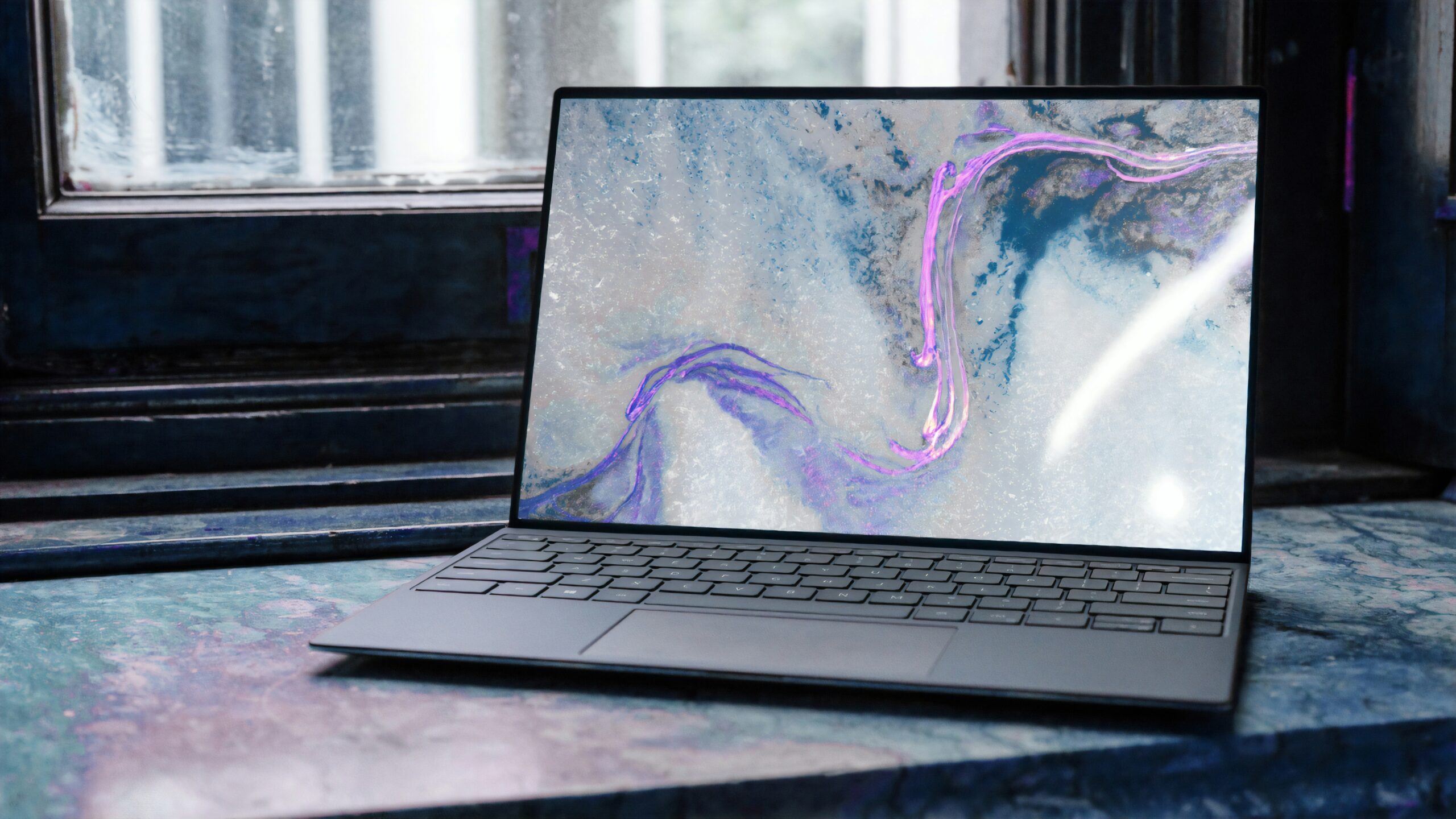
A 3.2K OLED display on a laptop under ₹80,000 is genuinely remarkable. Furthermore, OLED panels produce true blacks, vivid colours, and exceptional contrast — which makes client presentations, marketing content review, and video calls look noticeably more professional and polished than on standard IPS displays. Moreover, the 120Hz refresh rate ensures scroll and animation smoothness that makes everyday work feel premium.
The Intel Core i7-13700H is a capable processor that handles multitasking, data analysis, spreadsheet work, and occasional light creative tasks without difficulty. Furthermore, 16GB of DDR5 RAM provides smooth performance even when running multiple business applications simultaneously. However, battery life at 7 to 9 hours is the weakest point on this list. Consequently, business owners who spend the day away from power outlets will need to carry the charger. Conversely, for desk-based work or in offices with accessible power, this limitation matters far less. Ultimately, for the price, the ASUS VivoBook 16X OLED delivers display and performance quality that would have cost ₹1,20,000 just two years ago.
✅ Business Strengths
- 3.2K OLED 120Hz — stunning display
- Under ₹80,000 — best budget pick
- Core i7 — strong multitasking
- 16GB DDR5 — smooth performance
- ASUS service network in India
- Large 16-inch screen for productivity
❌ Business Limitations
- 7–9 hrs battery — shortest here
- 1.88 kg — heaviest on this list
- Fan can be audible under load
5. Microsoft Surface Pro 11 — Best 2-in-1 for Travelling Business Owners
Some small business owners need more than a laptop. Furthermore, architects, consultants, educators, and creative professionals frequently need to annotate documents, sketch ideas, take handwritten notes, or present in tablet form. Consequently, the Microsoft Surface Pro 11 addresses all of these needs in a single, elegantly portable device that weighs under 900 grams.
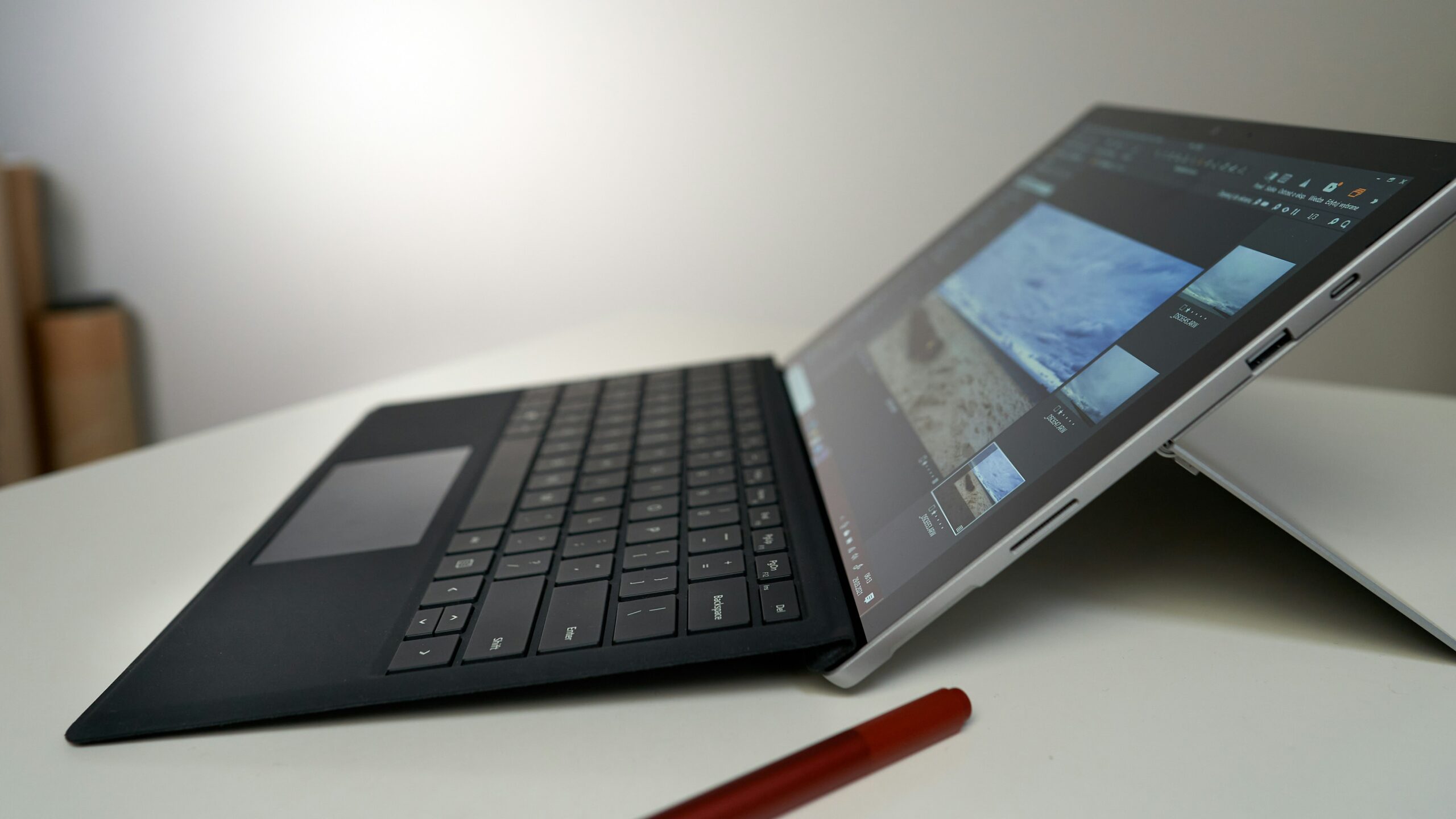
The Snapdragon X Elite processor delivers impressive performance with remarkable efficiency. Furthermore, battery life reaches 13 to 15 hours under mixed business use — making it one of the longest-lasting devices on this list. Consequently, travelling business owners who work on flights, in client offices, and across multiple locations throughout the day can work freely without battery anxiety.
The 2-in-1 form factor is the Surface Pro’s defining advantage. Moreover, the detachable keyboard converts it into a full tablet for presentations, annotations, and document signing — while attaching the keyboard instantly returns it to laptop mode. Furthermore, Surface Pen support enables handwritten note-taking during meetings, which many business owners find significantly faster than typing for capturing quick ideas and action items. However, the Surface Slim Pen and keyboard cover are often sold separately — consequently adding ₹10,000–₹15,000 to the effective purchase price. Therefore, always check the bundle configuration before purchasing to understand the full cost.
Meanwhile, Snapdragon X Elite app compatibility has expanded significantly in 2026. Subsequently, most major business applications — Microsoft 365, Chrome, Zoom, Slack, and accounting software — now run natively and efficiently on ARM architecture. Ultimately, for small business owners whose work involves significant travel, client site visits, and the frequent need to switch between laptop and tablet modes, the Surface Pro 11 is the most versatile and portable business device available in 2026. Thus, it earns its place on this list as the travel specialist.
✅ Business Strengths
- 0.89 kg — lightest device here
- 13–15 hrs battery — excellent for travel
- 2-in-1 laptop + tablet versatility
- Surface Pen — handwritten notes in meetings
- Snapdragon X Elite — fast and efficient
- Microsoft 365 deeply integrated
❌ Business Limitations
- Keyboard cover often sold separately
- Small 13″ screen limits multitasking
- ARM app compatibility still improving
- Expensive when fully configured
Our Final Recommendation for Small Business Owners
After testing all five laptops across real business workflows, one laptop stands out as the best all-round investment for most small business owners in 2026.
Editor’s Choice: MacBook Air M3 — Best Overall Investment
The MacBook Air M3 wins because it does everything a small business owner needs — and does it better than any alternative at its price. Furthermore, the combination of 15 to 18 hours of real-world battery, completely silent operation, a sharp Retina display, and the reliability of macOS creates a business experience that genuinely reduces daily friction. Consequently, you spend less time managing your laptop and more time managing your business. Moreover, with 7+ years of software updates, the MacBook Air M3 you buy today will remain a capable, secure business machine into 2032. Ultimately, for most small business owners, this is the single smartest laptop investment available in 2026. Thus, buy the 16GB configuration — and do not look back.
🛒 Check Latest Price on Amazon →What to Look for in a Business Laptop — A Practical Guide
Business laptop buying is different from gaming or consumer laptop buying. Furthermore, the priorities shift significantly — and understanding these differences will save you from an expensive mistake.
Battery Life — Non-Negotiable
For business use, aim for at least 10 hours of real-world battery life. Furthermore, a laptop that dies at 3pm costs you more in lost productivity than any price saving at purchase. Moreover, always check real-world review battery figures rather than manufacturer claims — these are almost always significantly higher than actual daily performance.
Keyboard Quality Over Everything
For business owners who type 4–8 hours daily, keyboard quality directly impacts speed, accuracy, and long-term wrist comfort. Furthermore, the ThinkPad keyboard remains the industry gold standard. Conversely, many ultra-slim laptops sacrifice key travel for thinness — which becomes uncomfortable over extended typing sessions. Therefore, test keyboard feel before buying wherever possible.
Webcam Quality Matters for Business
Video conferencing is now a core business activity — consequently, a poor webcam sends the wrong message to clients and partners. Furthermore, Apple’s 12MP Centre Stage webcam and Microsoft’s Surface camera are both significantly better than the average 720p webcam found on budget Windows laptops. Therefore, always check webcam quality specifically when choosing a business laptop.
Port Selection for Business Peripherals
Most small business owners use external monitors, keyboards, mice, and USB drives regularly. Furthermore, a laptop with only USB-C ports forces you to carry adapters — which adds cost and creates daily inconvenience. Therefore, look for at least one USB-A port, HDMI output, and USB-C for maximum flexibility. Moreover, Thunderbolt 4 support enables fast docking station connectivity for a clean desk setup.
After-Sales Service in India
A laptop that breaks down without accessible local service support is a serious business continuity risk. Furthermore, Apple, Dell, Lenovo, and ASUS all have strong service centre networks across major Indian cities. Consequently, buying from brands with proven India service infrastructure is significantly safer than saving money on a brand with limited local support. Therefore, always verify service centre availability in your city before finalising your purchase.
RAM — Always Choose 16GB Minimum
In 2026, 8GB of RAM is insufficient for business multitasking with modern applications. Furthermore, browsers alone consume 2–4GB with multiple tabs open. Moreover, running Microsoft Teams or Zoom simultaneously with Office, email, and a browser requires at least 12–16GB for smooth operation. Consequently, always configure a minimum of 16GB RAM for any business laptop purchase — especially on models where RAM cannot be upgraded after purchase.
📌 Important Tax Consideration for Indian Business Owners
Laptops purchased for genuine business use are eligible for depreciation deductions under Indian Income Tax rules — specifically under Section 32 of the Income Tax Act. Furthermore, GST paid on business laptop purchases may be claimable as Input Tax Credit (ITC) if your business is GST-registered. Consequently, the effective cost of a business laptop may be significantly lower than the purchase price after accounting for these tax benefits. Therefore, consult your chartered accountant before purchase to understand the full financial picture — a ₹1,14,900 MacBook Air may effectively cost considerably less after tax deductions are applied.
Final Verdict — Which Laptop Should You Buy?
Here is the clearest recommendation for each type of small business owner. Choose based on your actual work pattern — not the most impressive specifications.
Ultimately, the best business laptop is the one that removes friction from your working day — not the one that impresses the most on a specification comparison table. Furthermore, battery life and keyboard quality will affect your productivity every single day. Consequently, prioritise these above processor benchmarks and display resolution when making your final decision. Thus, invest in the machine that serves your business for the next four to five years — not just the one that looks impressive at the point of purchase.
Business Laptop FAQs — Answered
You May Also Like
More honest technology guides for Indian business owners and professionals