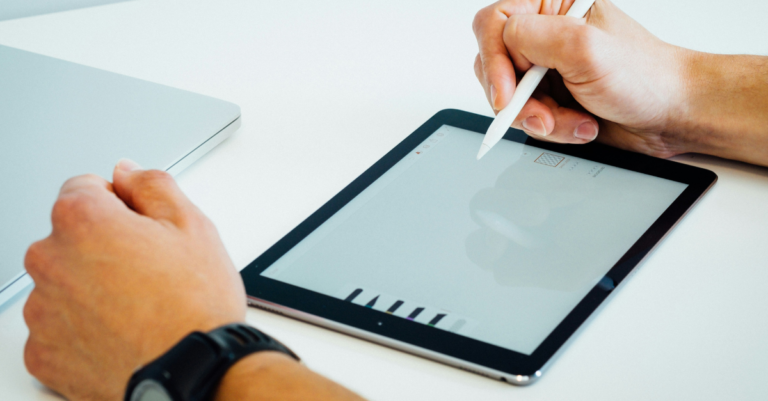
Why the Right Drawing Tablet Changes Everything for a Beginner
Starting your digital art journey is exciting — but choosing the wrong first drawing tablet can make the experience genuinely frustrating. Furthermore, a tablet with poor pen pressure sensitivity or a scratchy drawing surface quickly convinces beginners that digital art is harder than it actually is, when in reality the tablet itself is the problem.
However, great drawing tablets no longer require a premium budget. Consequently, brands like Wacom, Huion, and XP-Pen now offer beginner-friendly tablets with 8192 levels of pen pressure, tilt recognition, and excellent software bundles well under ₹5,000. Moreover, the gap in quality between budget and premium tablets has narrowed dramatically in 2026.
Therefore, this guide reviews the five best drawing tablets specifically chosen for beginners — tested for natural drawing feel, pen accuracy, software compatibility with Photoshop, Clip Studio, Krita, and Procreate, and long-term durability. Subsequently, you will have a clear and confident answer on which tablet to buy first. Ultimately, your first drawing tablet should inspire you to create more — not frustrate you into quitting. Thus, this guide is built to help you find exactly that.
🎨 2026 Beginner Tablet Reality: You can now get a drawing tablet with 8192 levels of pen pressure, tilt support, battery-free stylus, and full Photoshop compatibility for under ₹3,500 in India. Furthermore, brands like Huion and XP-Pen have aggressively improved build quality at entry-level prices. Consequently, there has never been a better or more affordable time to start your digital art journey in 2026.
Top 5 Drawing Tablets for Beginners — At a Glance
⚡ Top 5 Picks — Beginners India 2026
- 🥇 Best Overall: Wacom Intuos Small — Industry standard, best software bundle, most natural pen feel
- 🥈 Best Value: Huion HS611 — 10 express keys, large active area, 8192 pen pressure under ₹5,000
- 🥉 Best Budget: XP-Pen Deco Mini 4 — Cheapest quality tablet in India, great for absolute beginners
- 🏅 Best Display Tablet: Huion Kamvas 13 — Draw directly on screen, 1080p display, best upgrade path
- 🎖 Best for Students: XP-Pen Deco 01 V2 — Large active area, 8 shortcut keys, Android compatible
All 5 Drawing Tablets — Compared in One Table
Not sure where to start? This table makes it easy to compare active area, pen pressure, and price at a glance. Moreover, the compatibility column tells you which software each tablet works with out of the box.
| Tablet | Active Area | Pen Pressure | Express Keys | Compatible With | India Price |
|---|---|---|---|---|---|
| Wacom Intuos Small ⭐ Best Overall |
152 × 95 mm | 4096 levels | 4 keys | Win / Mac / Android | ₹5,499–₹6,499 |
| Huion HS611 💰 Best Value |
254 × 159 mm | 8192 levels | 10 keys | Win / Mac / Android | ₹4,299–₹4,999 |
| XP-Pen Deco Mini 4 💸 Cheapest |
101 × 63 mm | 8192 levels | 4 keys | Win / Mac / Android | ₹2,299–₹2,799 |
| Huion Kamvas 13 🖥️ Display Tablet |
293 × 165 mm | 8192 levels | 8 keys | Win / Mac / Android | ₹18,999–₹21,999 |
| XP-Pen Deco 01 V2 🎓 Students |
254 × 159 mm | 8192 levels | 8 keys | Win / Mac / Android | ₹3,499–₹4,299 |
1. Wacom Intuos Small — Best Drawing Tablet for Beginners in 2026
Wacom has been the global industry standard for drawing tablets for over two decades. Furthermore, the Intuos Small is specifically designed as a beginner-friendly entry point — with a natural pen feel, excellent driver software, and a bundled creative software package that alone justifies much of the purchase price. Consequently, more professional digital artists started their journey on a Wacom Intuos than on any other tablet available today.
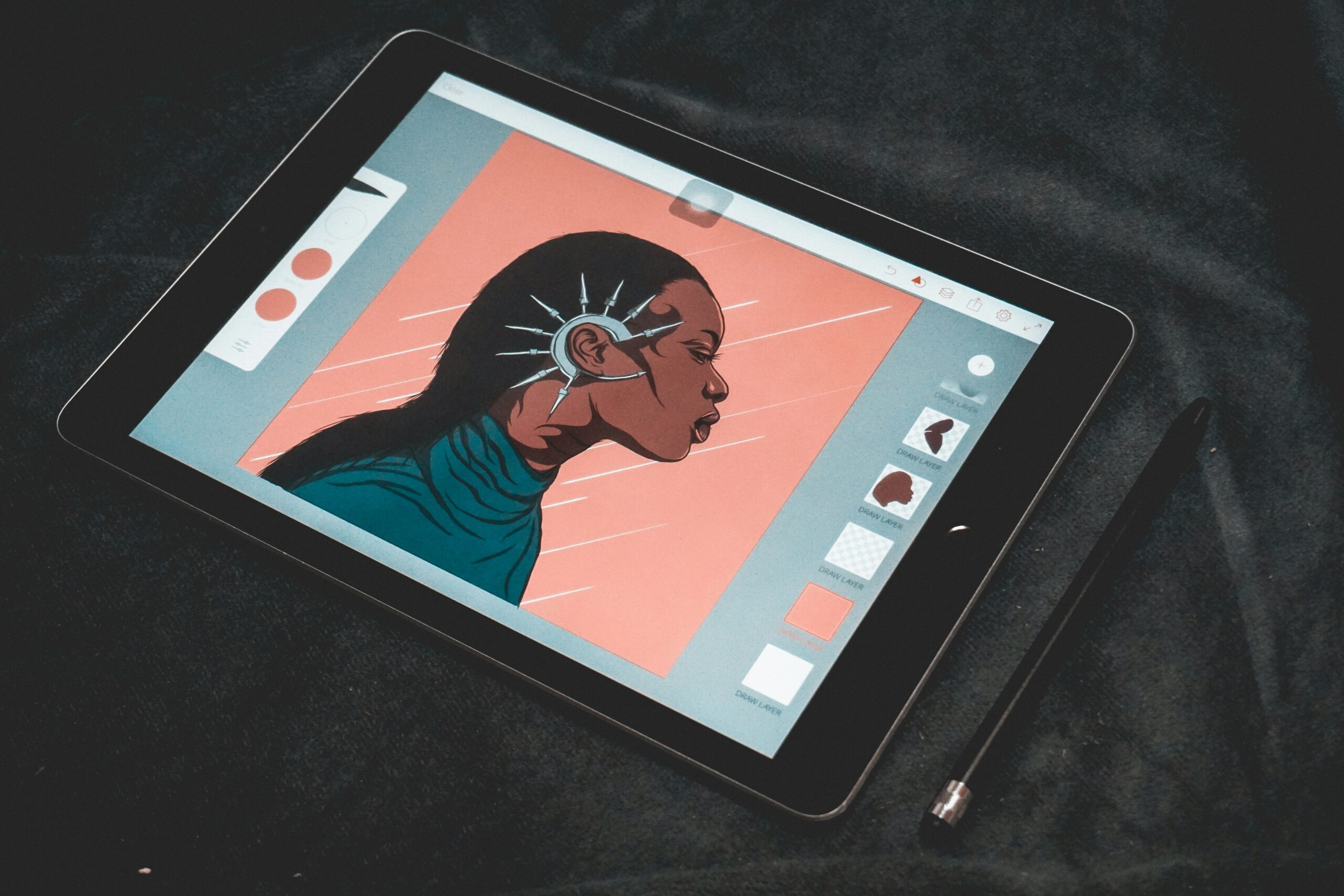
Wacom Intuos Small (CTL-4100)
⭐ Best Overall for Beginners 2026The Wacom Intuos pen experience is genuinely different from every budget alternative. Furthermore, the EMR (Electromagnetic Resonance) pen technology delivers a natural, paper-like resistance when drawing — a tactile quality that competitors have struggled to replicate at the same price. Consequently, beginners who pick up the Intuos immediately feel like drawing digitally is intuitive rather than awkward, which dramatically increases how much they practice and improve.
The bundled software package is extraordinarily generous. Moreover, the Intuos Small comes with a free download of Clip Studio Paint (worth ₹3,500+), Corel Painter Essentials, and a 3-month Adobe Creative Cloud trial — effectively making the tablet cost far less than the sticker price when software is factored in. Furthermore, Wacom’s driver software is the most stable and consistently updated in the industry, which means it works correctly with every major creative application without manual configuration.
However, the 4096 pressure levels are technically lower than the 8192 offered by Huion and XP-Pen alternatives. Conversely, in real-world drawing tests, the difference is completely imperceptible for beginners and intermediate artists — Wacom’s pressure curve implementation is so well-tuned that it consistently feels more natural than 8192-level tablets from competing brands. Meanwhile, the Bluetooth version adds wireless freedom for a cleaner desk setup. Ultimately, the Wacom Intuos Small is the most trusted, most recommended first drawing tablet in the world — and 2026 is no exception. Thus, it earns the top spot without any hesitation.
✅ What We Love
- Most natural pen feel available
- Clip Studio Paint bundled free
- Bluetooth wireless option
- Most stable drivers in the industry
- ±60° tilt support for shading
- Works with every major art app
❌ Could Be Better
- 4096 pressure levels — lower than rivals
- Smaller active area than HS611
- Only 4 express keys on base model
2. Huion HS611 — Best Value Drawing Tablet Under ₹5,000
Huion has dramatically improved both build quality and software reliability over the past three years. Furthermore, the HS611 offers a genuinely large active drawing area, 10 express keys, and 8192 levels of pen pressure — specifications that match tablets costing two to three times as much. Consequently, it is the most feature-complete drawing tablet available under ₹5,000 in India for 2026.
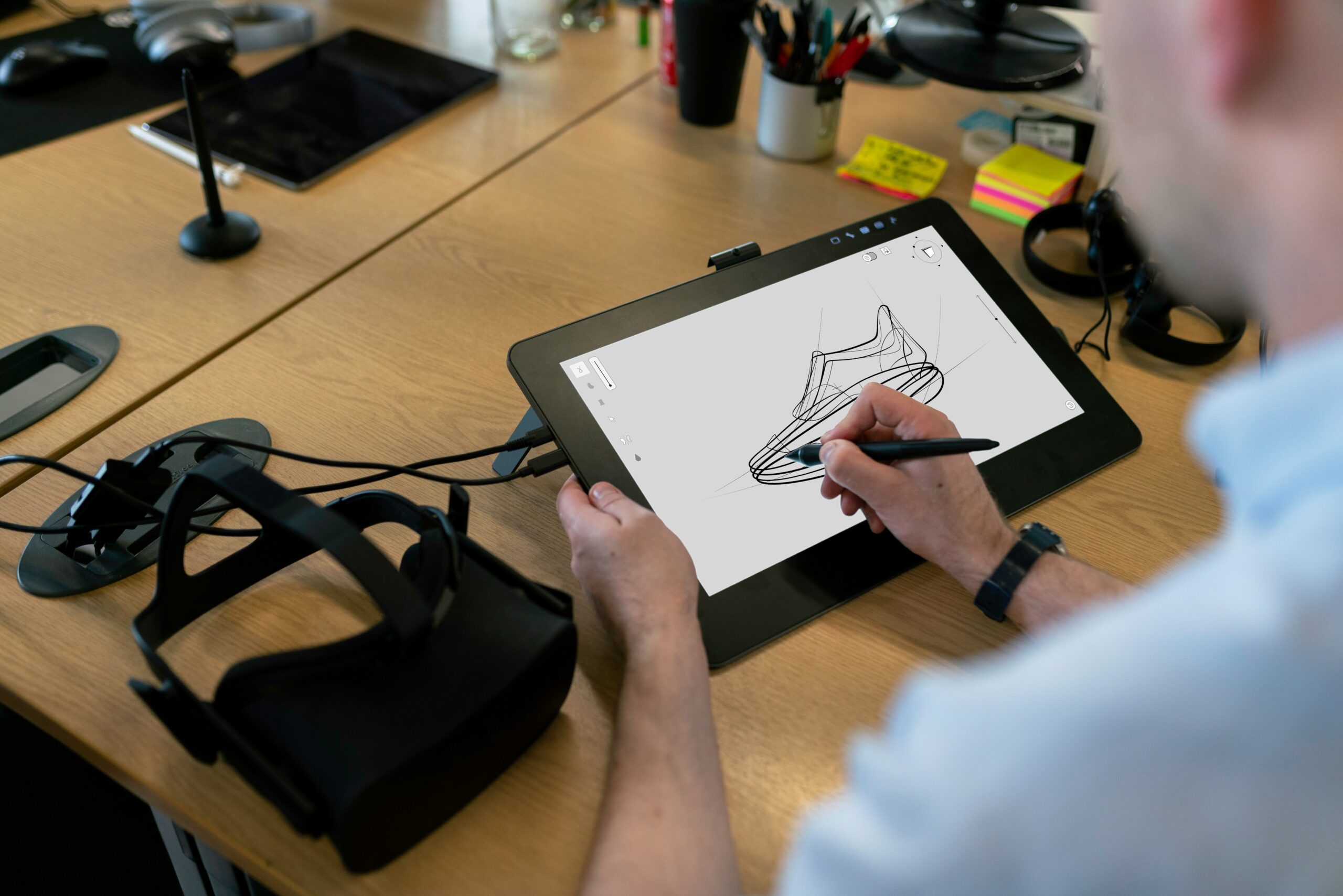
Huion HS611
💰 Best Value Under ₹5,000The HS611’s active drawing area of 254 × 159 mm is significantly larger than the Wacom Intuos Small — and for artists who draw large gestures, landscapes, or full-body character illustrations, this extra space is immediately noticeable. Furthermore, the 10 express keys and touch-sensitive strip provide efficient workflow shortcuts that significantly speed up the drawing process once you build muscle memory for them. Consequently, the HS611 feels like a more professional setup than its price suggests.
Huion’s PW100 pen delivers 8192 levels of pressure with genuine smoothness across the full range. Moreover, the battery-free design means no charging interruptions and no added weight — the pen feels light and natural in hand for extended drawing sessions. Furthermore, the USB-C connection works with both laptops and Android smartphones, making it versatile for students who draw on multiple devices.
However, Huion’s driver software — while significantly improved in 2025-2026 — still occasionally requires a manual reinstall after system updates. Conversely, once configured correctly, it works reliably with Photoshop, Clip Studio, Krita, and Procreate for Android without further issues. Meanwhile, Huion’s improving India warranty support makes after-sales service more accessible than it was previously. Ultimately, for the sheer amount of tablet you receive per rupee spent, the Huion HS611 is the most impressive value proposition in the beginner drawing tablet market today. Thus, it is the top recommendation for budget-conscious artists who want professional-grade active area and pressure sensitivity.
✅ What We Love
- Largest active area on this list
- 8192 pen pressure — industry top
- 10 express keys + touch bar
- USB-C — works with phones too
- Battery-free pen — no interruptions
- Under ₹5,000 — exceptional value
❌ Could Be Better
- Drivers need occasional reinstall
- Pen feel not as natural as Wacom
- India service centres limited
3. XP-Pen Deco Mini 4 — Best Cheapest Drawing Tablet for Absolute Beginners
XP-Pen has established itself as the go-to brand for genuinely affordable drawing tablets that do not sacrifice essential functionality. Furthermore, the Deco Mini 4 is currently the cheapest drawing tablet in India that still delivers 8192 levels of pen pressure and a usable active area for real digital art work. Consequently, it is the most accessible entry point into drawing tablets for students on the tightest budgets.
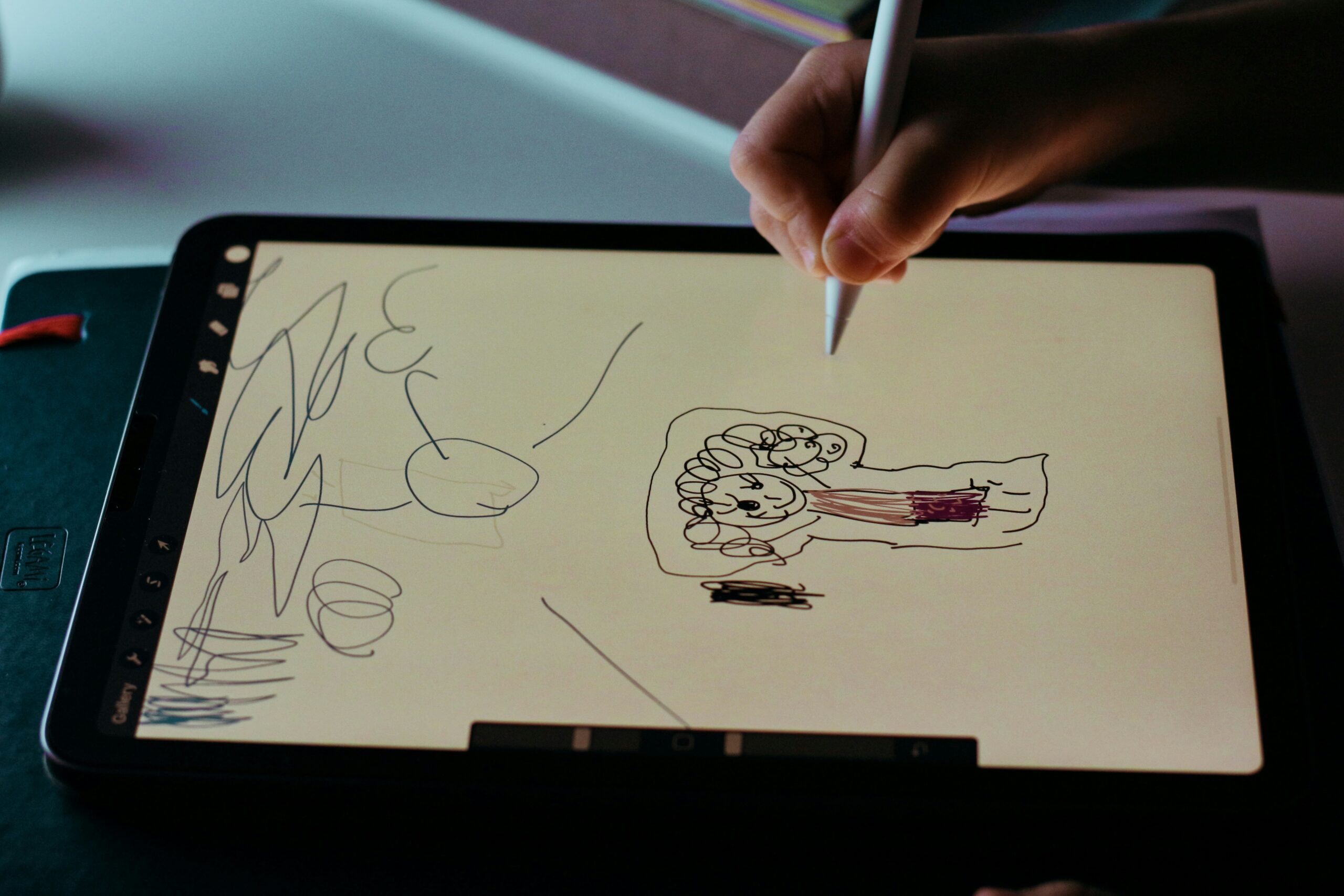
XP-Pen Deco Mini 4
💸 Most Affordable — Absolute BeginnersAt under ₹2,800, the XP-Pen Deco Mini 4 delivers 8192 levels of pen pressure — a specification that genuinely belongs at a higher price point. Furthermore, the battery-free stylus responds immediately and accurately with no lag during normal drawing speeds. Consequently, absolute beginners who are unsure whether digital art is right for them can test the waters without committing to a larger budget.
The compact 101 × 63 mm active area is the smallest on this list — however, for beginners learning fundamental digital art skills like pressure control, line confidence, and layer management, the smaller surface area is actually beneficial. Moreover, smaller tablets encourage more deliberate, controlled strokes rather than large gestural movements, which builds core technical skills faster in early stages. Furthermore, the Deco Mini 4’s compact form factor makes it genuinely portable for students who draw between classes.
However, as skill level grows, the small active area will eventually feel limiting — particularly for full-page illustrations and character design work. Conversely, for the first 6 to 12 months of learning digital art fundamentals, the Deco Mini 4 provides everything needed without unnecessary cost. Subsequently, graduating to a larger tablet like the Huion HS611 after building core skills is a natural and sensible upgrade path. Ultimately, for Indian students who want to start drawing digitally at the lowest possible investment, the XP-Pen Deco Mini 4 is the most honest and practical recommendation available under ₹3,000.
✅ What We Love
- Under ₹2,800 — cheapest quality tablet
- 8192 pen pressure — punches above price
- Ultra-portable — fits in any bag
- Battery-free pen — no charging
- Works with Krita, Photoshop, Clip Studio
- Android smartphone compatible
❌ Could Be Better
- Small active area — outgrown quickly
- Only 4 express keys
- Surface texture less premium than Wacom
4. Huion Kamvas 13 — Best Display Drawing Tablet for Beginners
Pen display tablets — where you draw directly on the screen — feel the most intuitive for absolute beginners because there is no hand-eye coordination adjustment required. Furthermore, the Huion Kamvas 13 brings this draw-on-screen experience to the most accessible price point available in India, making it the most natural transition from traditional paper drawing to digital art. Consequently, beginners who struggle with the coordination required by non-display tablets often find the Kamvas 13 to be a revelation.
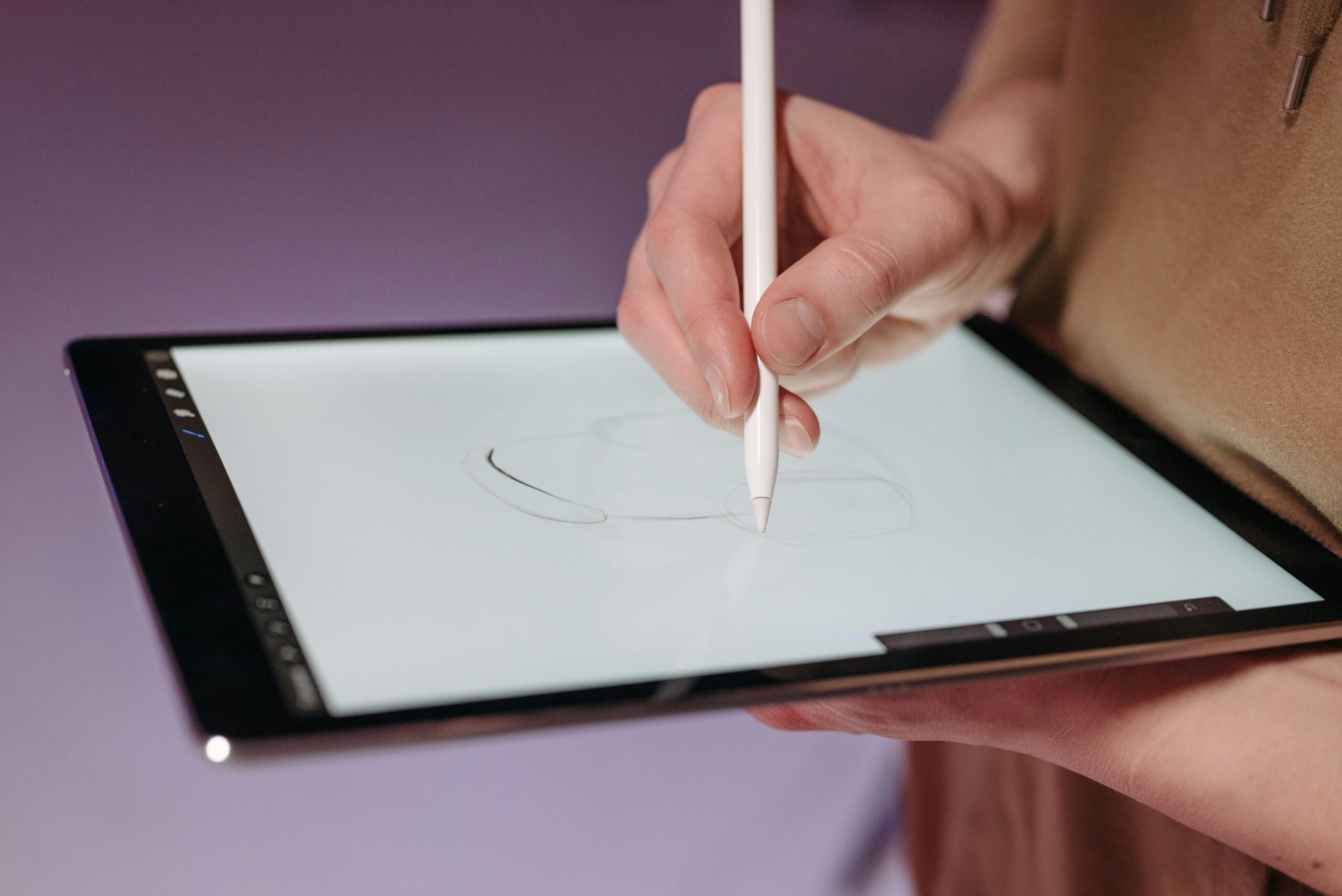
Huion Kamvas 13 Gen 3
🖥️ Best Display Tablet — Draw on ScreenDrawing directly on the screen removes the hand-eye coordination learning curve that stops many beginners from progressing. Furthermore, the Kamvas 13’s 13.3-inch FHD display with 120% sRGB coverage reproduces colours accurately — critical for artists who want their digital paintings to look correct across different screens and print outputs. Consequently, beginners can focus entirely on developing drawing skills rather than adapting to an unfamiliar input method.
The 8192-level PW517 pen delivers precise, smooth strokes across the full pressure range. Moreover, the anti-glare etched glass surface provides a slight tooth — similar to drawing paper — that makes the drawing experience feel considerably more natural than smooth glass alternatives. Furthermore, the 8 express keys and wheel dial provide efficient workflow shortcuts that become invaluable as skill and project complexity grow.
However, the Kamvas 13 requires a computer to function — consequently, it is not a standalone drawing device. Moreover, at ₹18,999–₹21,999, it is significantly more expensive than the other four options on this list. Conversely, for beginners who can afford the investment and want the most intuitive possible drawing experience from day one, no other product at this price point delivers the same natural, paper-like feeling of drawing directly on screen. Ultimately, if budget allows, the Kamvas 13 is the most encouraging first drawing experience available to any beginner in India today.
✅ What We Love
- Draw directly on screen — most intuitive
- 120% sRGB — accurate colour output
- Anti-glare surface — paper-like feel
- 8192 pen pressure + tilt support
- 8 keys + dial — efficient workflow
- No hand-eye coordination required
❌ Could Be Better
- ₹18,999+ — expensive for beginners
- Requires external computer to operate
- Parallax (pen-to-cursor gap) on edges
5. XP-Pen Deco 01 V2 — Best Drawing Tablet for Art Students
XP-Pen’s Deco 01 V2 hits a sweet spot that very few tablets achieve — a professional-sized active area, 8 customisable express keys, and full software compatibility at a price that most Indian art students can genuinely afford. Furthermore, the large 254 × 159 mm active area matches what professional artists use daily, which means skills developed on this tablet transfer directly to professional workflows. Consequently, it is the smartest investment for students serious about pursuing digital art or design professionally.
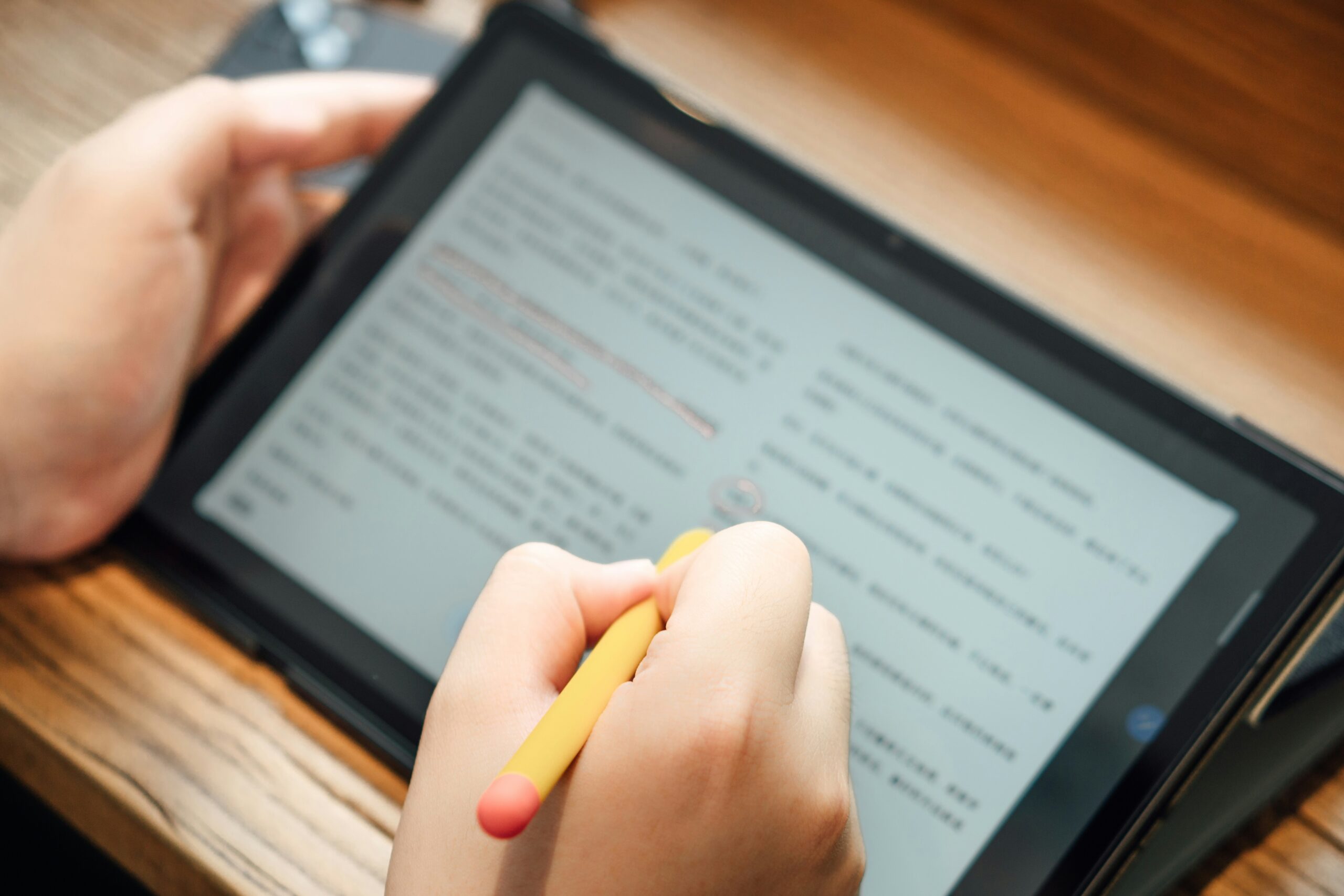
XP-Pen Deco 01 V2
🎓 Best for Serious Art StudentsThe Deco 01 V2 offers a professional-grade 254 × 159 mm active area at a price most students can afford. Furthermore, this size is identical to what many working professional illustrators use daily — meaning every drawing skill developed on this tablet is fully transferable to professional-level work without relearning proportions or stroke distances. Consequently, it is the most future-proof beginner tablet available under ₹4,500 in India today.
The 8 express keys are fully customisable and positioned ergonomically for both right and left-handed use. Moreover, XP-Pen has significantly improved its driver software in 2025-2026, with far fewer compatibility issues reported compared to earlier versions. Furthermore, Android smartphone connectivity means art students can draw on their phone directly — useful for quick sketches, reference photos, and colour studies during commutes or between classes.
Meanwhile, the P05 pen delivers reliable 8192-level pressure with ±60° tilt detection — enabling natural shading techniques from early in the learning process. However, the pen tip replacement cost is slightly higher than Wacom alternatives — conversely, XP-Pen’s nibs last longer on average due to the harder tablet surface texture. Ultimately, for art students who are serious about developing their digital art skills and want a professional-sized canvas without a professional price tag, the XP-Pen Deco 01 V2 is the most logical and forward-thinking choice on this list. Thus, it is the tablet that grows most naturally with its owner’s improving skill level.
✅ What We Love
- Professional active area size
- 8 express keys — productive workflow
- 8192 levels + ±60° tilt
- Android phone compatible
- Under ₹4,500 — great value
- Left and right hand friendly
❌ Could Be Better
- Drivers needed occasional updates
- Pen tip replacement slightly costly
- No Bluetooth — wired only
Best Drawing Tablet for Beginners — Our Final Recommendation
After testing all five tablets thoroughly across real beginner use scenarios, one stands out as the best all-round choice for most Indian beginners in 2026.
Winner: Wacom Intuos Small — Best Overall for Beginners
The Wacom Intuos Small wins because it offers the most encouraging and natural first drawing experience of any tablet on this list. Furthermore, the included Clip Studio Paint software bundle alone is worth nearly half the tablet’s purchase price — making the effective cost far more competitive than it first appears. Consequently, beginners who start on the Intuos develop better drawing intuition faster because the pen behaviour feels genuinely natural rather than requiring adaptation. Moreover, Wacom’s industry-leading driver stability means zero frustrating compatibility issues when connecting to Photoshop, Illustrator, or Clip Studio for the first time. Ultimately, the right first drawing tablet is the one that makes you want to draw more every day — and the Wacom Intuos Small consistently does exactly that. Thus, buy it, install Clip Studio, and start creating today.
🛒 Check Latest Price on Amazon →How to Choose the Right Drawing Tablet as a Beginner
Buying your first drawing tablet involves understanding a few key specifications that actually affect your drawing experience. Furthermore, most beginner mistakes come from focusing on the wrong numbers — here is what genuinely matters.
Active Area — Bigger Is Not Always Better
The active area is the drawable surface of the tablet. Furthermore, beginners often assume larger is always better — but a medium active area (about 150 × 100 mm) is actually ideal for learning because it matches comfortable wrist movement range naturally. Moreover, very large tablets require full arm movement for strokes — which is tiring and unnatural for most new artists. Consequently, start medium and upgrade to large when your technique genuinely demands more space.
Pen Pressure — 4096 vs 8192 Levels
Both 4096 and 8192 levels of pen pressure are more than sufficient for beginners and intermediate artists. Furthermore, the practical difference between the two is imperceptible without years of high-level professional training. Therefore, never choose a tablet primarily on pressure level — instead, choose based on pen feel, which depends on the quality of the EMR technology and driver software rather than the raw pressure number. Conversely, pen tilt support (±60°) does make a noticeable difference for shading — always verify this is included.
Software Compatibility — Check Before Buying
All five tablets on this list work with Krita (free), Clip Studio Paint, Adobe Photoshop, and Procreate for Android. Furthermore, beginners should always start with Krita — it is completely free, fully professional, and specifically optimised for drawing tablets. Moreover, Clip Studio Paint offers a permanent license for ₹3,500 and is the industry standard for manga, comics, and illustration. Therefore, budget for at least one paid creative application alongside your tablet purchase for the most productive start.
Display vs Non-Display Tablets
Non-display tablets (all except Kamvas 13) require drawing while looking at your computer monitor — your hand moves on the tablet while your eyes track the screen. Furthermore, this takes 2–4 weeks to feel natural for most beginners. However, once adjusted, it becomes second nature. Display tablets (like Kamvas 13) let you draw directly on screen — no adjustment needed, but cost significantly more. Consequently, if budget is flexible, a display tablet accelerates the learning curve. Otherwise, a quality non-display tablet is the right choice.
Express Keys — Do You Need Them?
Express keys are programmable shortcut buttons on the tablet body. Furthermore, they significantly speed up workflow once you get comfortable with drawing — common uses include Undo, Zoom, Brush Size, and layer controls. Moreover, 4 keys is enough for beginners, and 8–10 keys is ideal for students building professional workflows. Therefore, beginners should not pay extra for more express keys early on, but should ensure at least 4 are available for the fundamentals.
Android Compatibility — Draw on Your Phone
All five tablets on this list support Android smartphones via USB-C OTG connection. Furthermore, Procreate is not available on Android — however, Clip Studio Paint for Android and Infinite Painter are excellent full-featured alternatives. Moreover, drawing on a phone with a tablet is useful for quick sketches, colour studies, and practice on the move. Consequently, Android compatibility adds genuine value for students who do not always have a laptop available for their daily drawing practice sessions.
💡 Pro Tip — Best Free Software to Start With
Start with Krita — it is completely free, professional-grade, and specifically built for drawing tablet use. Furthermore, Krita supports all brush types, layer modes, and canvas sizes that professional digital artists use daily. Moreover, the Krita community has produced hundreds of free beginner tutorials specifically for new drawing tablet users on YouTube. Consequently, you can become genuinely proficient in digital art fundamentals before spending a single rupee on paid software. Therefore, download Krita first, practice for 3–4 weeks, and only then invest in Clip Studio Paint or Photoshop when you know exactly which features you need for your specific art style.
Final Verdict — Which Drawing Tablet Should You Buy?
Here is the clearest summary based on your specific situation. Choose the tablet that matches your budget and goals — not the one with the most impressive specifications.
Ultimately, every drawing tablet on this list will help you start your digital art journey — the differences are about which experience best fits your budget, goals, and learning style. Furthermore, the most important thing is simply to start. Consequently, pick the tablet that matches your situation from the verdict above, download Krita for free, and draw something today. Thus, your art journey begins the moment you make your first digital stroke — not the moment you buy the most expensive tablet.
Drawing Tablets for Beginners — Common Questions Answered
❤️ You May Also Like
More top-rated tech and creative gear guides for Indian buyers