Why Free AI Video Generators Matter in 2026
Video content gets more clicks, shares, and engagement than any other format today. Moreover, making videos used to need expensive cameras, software, and editing skills. As a result, most small creators and businesses skipped video creation entirely.
AI Tools Have Changed Everything About Video
Now, free AI video generators turn a simple text prompt into a polished video in minutes. Furthermore, these tools automatically add voiceovers, stock footage, captions, and background music. In addition, most platforms offer a generous free plan so you can start today at zero cost. As a result, anyone with a phone or laptop can produce professional-quality videos without any technical knowledge.
Moreover, AI video tools are no longer just for large brands or marketing agencies. In fact, teachers, bloggers, YouTubers, and small business owners use them every single day. Consequently, the barrier to video content creation has never been lower than it is right now in 2026.
How We Selected These 7 Best Free AI Video Tools
We tested every tool based on free plan generosity, output quality, ease of use, and watermark policy. Furthermore, we looked specifically for tools that deliver real value without forcing an immediate paid upgrade. As a result, every free AI video generator on this list works genuinely well on its free tier alone.
💡 Quick Answer: The best free AI video generators in 2026 are Canva AI, CapCut AI, Pictory AI, InVideo AI, Runway AI, Synthesia, and Lumen5. Moreover, all seven offer free plans or free credits. As a result, you can create professional videos today at zero cost.
⚡ All 7 Free AI Video Tools — At a Glance
- 🏆 Canva AI Video — Best overall free tool — no watermark on free plan
- ✂️ CapCut AI — Best free mobile video AI editor — 4K quality
- 📺 Pictory AI — Best blog-to-video tool — 3 free videos/month
- 🎥 InVideo AI — Best for YouTube creators — 10 free exports/month
- 💡 Runway AI — Best cinematic AI video — 125 free credits
- 🎤 Synthesia — Best AI avatar presenter videos — free plan available
- 🎬 Lumen5 — Best blog-to-video on free plan — unlimited videos
All 7 Tools — Full Comparison Table
This table shows the most important details at a glance. Moreover, it helps you pick the right tool for your specific need very fast.
Free Plan Comparison — What You Actually Get
| # | Tool | Free Plan | Watermark | Text to Video | Best For | Rating |
|---|---|---|---|---|---|---|
| 1 | Canva AI 🏆 Best Overall | Yes ✓ | No ✓ | Yes ✓ | Beginners | ★★★★★ |
| 2 | CapCut AI 📱 Best Mobile | Yes ✓ | Optional | Yes ✓ | Mobile creators | ★★★★★ |
| 3 | Pictory AI 📺 Blog2Video | 3 videos/mo | Yes ✗ | Yes ✓ | Bloggers | ★★★★☆ |
| 4 | InVideo AI 🎥 Best YouTube | 10 exports/mo | Yes ✗ | Yes ✓ | YouTubers | ★★★★☆ |
| 5 | Runway AI 💡 Cinematic | 125 credits | No ✓ | Yes ✓ | Filmmakers | ★★★★☆ |
| 6 | Synthesia 🎤 Avatar | 3 videos/mo | Yes ✗ | Yes ✓ | Presenters | ★★★★☆ |
| 7 | Lumen5 🎬 Unlimited | Unlimited ✓ | Yes ✗ | Yes ✓ | Content teams | ★★★☆☆ |
1. Canva AI Video — Best Free AI Video Generator for Beginners
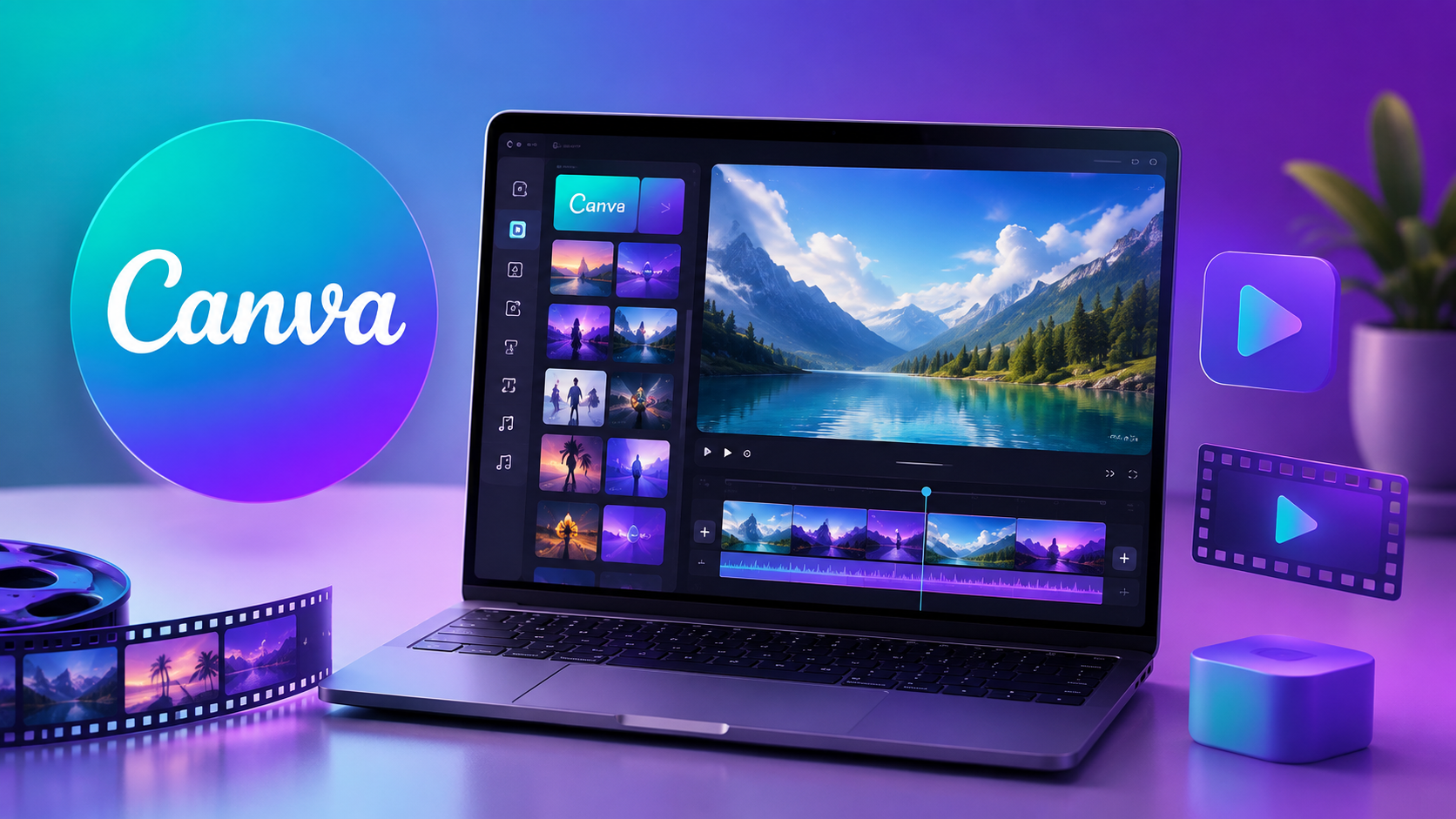
Canva is already the world’s most popular design platform, used by over 150 million people. Moreover, its AI video features in 2026 make it the easiest free AI video generator available anywhere online. As a result, complete beginners now create professional-quality videos in under 10 minutes without any design experience.
Canva AI Video
🏆 Best Overall Free · No Watermark · 500K+ Templates · Text to Video · 1080p ExportWhat Canva AI Video Actually Does for You
Canva’s Magic Video feature instantly turns a text prompt into a short video clip. Moreover, you can combine those AI clips with over 500,000 ready-made templates, stock videos, and music tracks. Furthermore, adding text overlays, smooth transitions, and voiceovers takes just a few clicks. As a result, Canva produces complete, social media-ready videos without requiring any technical skill at all.
Why Canva Beats Every Other Free Tool on Watermarks
Most free AI video tools stamp a visible watermark onto every export you download. However, Canva’s free plan gives you clean, watermark-free video exports every single time. Moreover, the output quality looks polished enough to post directly on Instagram, LinkedIn, or YouTube. As a result, Canva is the only free AI video generator that delivers truly professional results at absolutely zero cost.
Best Use Cases for Canva AI Video in 2026
Instagram Reels, YouTube Shorts, product advertisements, and presentation slides all work brilliantly with Canva. Moreover, teachers who create lesson content and small businesses making promo videos use it daily. Furthermore, bloggers turn written articles into short video summaries for social media quickly and easily. As a result, Canva suits virtually every type of content creator working in 2026.
✓ Canva Pros
- No watermark on free plan
- 500,000+ templates available
- Works on mobile and desktop
- AI generates video from text
- 1080p export quality free
- Huge stock video library
- Brand kit on free plan
✗ Canva Cons
- AI clips are short — max 4 sec each
- Advanced AI needs Pro plan
- Long video editing is slow on browser
2. CapCut AI — Best Free AI Video Editor for Mobile Users
CapCut is the most downloaded free video editor in India right now. Moreover, its powerful AI features include auto-captions, script-to-video generation, and one-tap background removal. As a result, it stands as the top free AI video tool for creators who work primarily on their smartphones.
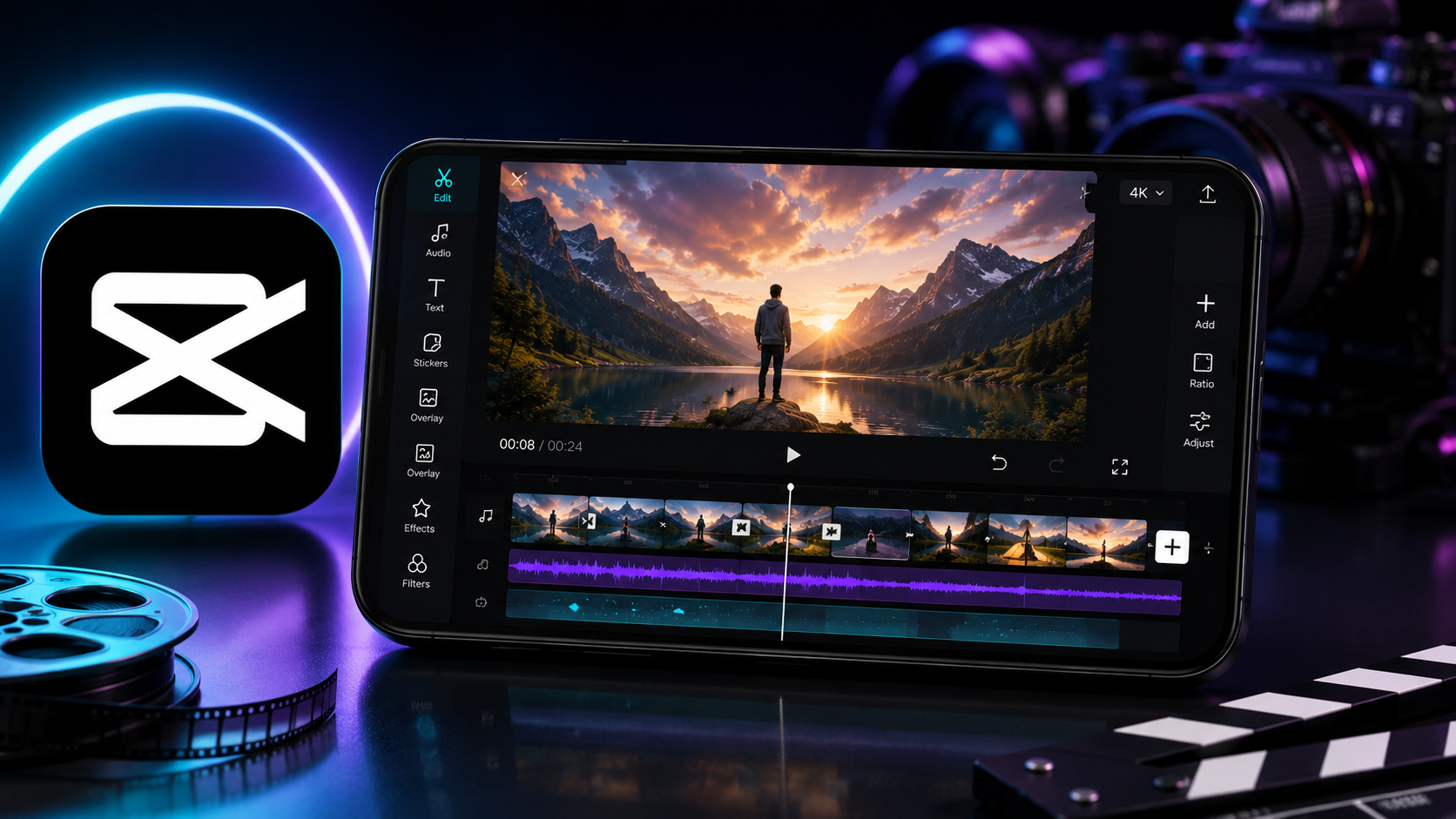
CapCut AI
📱 Best Mobile Free · Auto Captions · Script to Video · 4K Export · Hindi SupportCapCut AI Features That Save You the Most Time
CapCut’s auto-caption tool generates accurate subtitles in seconds from any video you upload. Moreover, the AI script-to-video feature creates a complete short video from just a text description. Furthermore, the background remover finishes in a single tap and delivers clean, precise results instantly. As a result, tasks that once took 30 minutes now complete in under 60 seconds using CapCut.
Why Indian Creators Prefer CapCut Above Other Free Tools
CapCut supports Hindi auto-captions with surprisingly high accuracy across different accents. Moreover, the entire interface is available in Hindi and several other Indian languages too. Furthermore, the template library includes thousands of trending Reels and YouTube Shorts formats updated weekly. As a result, Indian creators find CapCut the most locally relevant free AI video tool available in 2026.
How CapCut Script to Video Works Step by Step
Simply type or paste your script into CapCut’s AI video creator and tap generate. Moreover, the AI automatically selects matching stock footage, adds captions, and syncs the entire video. Furthermore, you can easily adjust pacing, transitions, and background music within the same interface. As a result, a complete 30-second video generates from a raw text prompt in under 2 minutes.
✓ CapCut Pros
- Best AI auto-captions available free
- 4K export quality on free plan
- Script to video in seconds
- Hindi caption support
- Works smoothly on budget phones
- Huge trending template library
- Background remover with one tap
✗ CapCut Cons
- Watermark appears by default on some exports
- Owned by ByteDance — some privacy concerns
- Best features are mobile-only
3. Pictory AI — Best Free Tool to Turn Blogs Into Videos
Pictory AI is purpose-built for content creators who already produce written content regularly. Moreover, it converts blog posts, scripts, and long articles into full videos completely automatically. As a result, bloggers and writers can create polished video versions of their content without any recording or editing work at all.

Pictory AI
📺 Best Blog to Video · Auto Voiceover · 3M+ Stock Clips · Auto Captions · Free PlanHow Pictory AI Turns Your Blog Post Into a Video
Simply paste your blog post URL or full article text directly into the Pictory editor. Moreover, the AI reads your content and automatically selects perfectly matching stock footage for each section. Furthermore, it adds captions, a natural AI voiceover, and background music without any manual work from you. As a result, a 1,000-word blog post becomes a 3 to 5 minute video in under 5 minutes flat.
Pictory AI Voiceover Quality — How Natural Does It Sound
Pictory offers over 10 distinct AI voice options across multiple languages and accents. Moreover, these voices sound significantly more natural than older text-to-speech technology you may have heard before. Furthermore, you can fine-tune the speaking speed and pause lengths to match your brand tone. As a result, viewers frequently cannot tell the difference between Pictory’s AI voice and a real human narrator.
Who Gets the Most Value From Pictory AI
Bloggers who want to repurpose existing written content into YouTube or Instagram videos benefit most. Moreover, affiliate marketers use Pictory to convert product review articles into compelling video reviews quickly. Furthermore, educators transform lesson content into engaging short video lessons without any filming equipment. As a result, Pictory is the smartest free AI video generator for anyone who already has lots of written content ready to repurpose.
✓ Pictory Pros
- Blog URL to video in 5 minutes
- 3 million+ stock footage clips
- AI voiceover in multiple languages
- Auto-generated captions included
- Background music library included
- Great for YouTube repurposing
✗ Pictory Cons
- Free plan limited to 3 videos/month
- Watermark on free plan exports
- Paid plan starts at $23/month
The Smartest Free AI Video Strategy for 2026
Use Canva AI Video for design-heavy social media content and branded short videos. Moreover, use CapCut for fast mobile Reels, Shorts, and Hindi caption videos. Furthermore, use Pictory or Lumen5 specifically when you want to convert written blog content into video. As a result, combining just two or three free AI video tools gives you a complete video production system at zero cost.
In addition, all these tools have free plans that deliver genuine, usable value right away. Furthermore, none of them require a credit card to get started today. As a result, there is absolutely no reason to delay starting your free AI video journey any longer.
4. InVideo AI — Best Free AI Tool for YouTube Creators
InVideo AI creates complete, ready-to-publish YouTube videos directly from a text prompt or script. Moreover, it automatically adds stock footage, AI voiceover, captions, and background music for you. As a result, YouTube creators now produce professional-quality videos far faster than traditional video editing ever allowed.
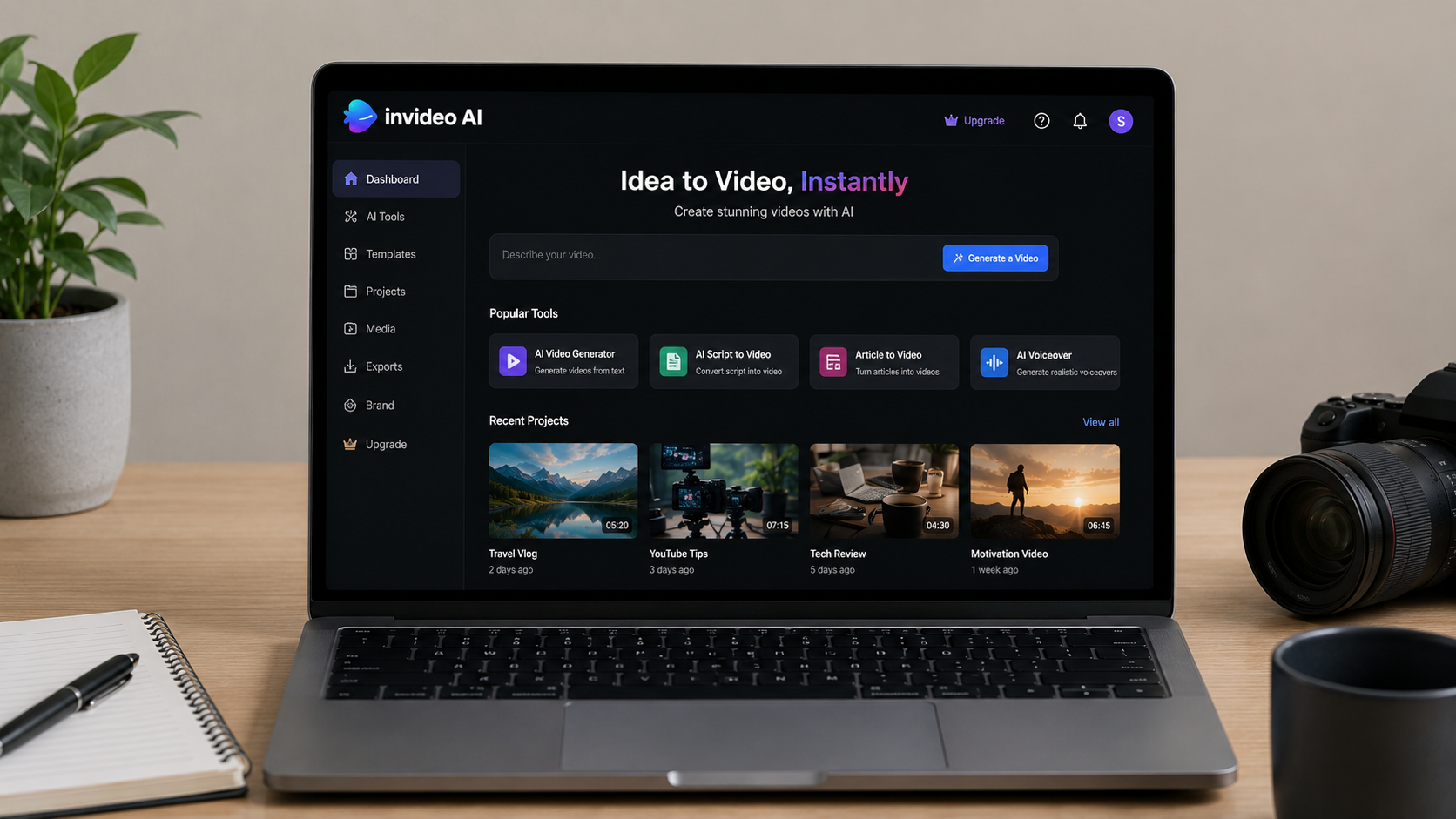
InVideo AI
🎥 Best for YouTube · Script to Full Video · 6000+ Templates · 8M Stock Assets · Free PlanHow InVideo AI Builds a Full YouTube Video Fast
Simply type your video topic or paste your complete script into InVideo AI and click generate. Moreover, the AI automatically picks relevant stock clips, records a voiceover, inserts captions, and arranges everything neatly. Furthermore, you can review and adjust any individual section before you export the final video. As a result, a full 5 to 10 minute YouTube video generates in under 10 minutes with InVideo.
InVideo AI vs Pictory AI — The Key Difference Explained
Pictory works best when you want to convert existing blog articles into video content. However, InVideo AI works better when you want to create brand-new YouTube videos from a fresh script. Moreover, InVideo’s template library is significantly larger, with over 6,000 options versus Pictory’s collection. As a result, choose Pictory for content repurposing and InVideo for building original YouTube videos from scratch.
InVideo Free Plan — Are 10 Exports Per Month Enough
Ten monthly exports cover roughly two to three YouTube videos per week for most creators. Moreover, the watermark on free exports appears only in the corner and does not block the actual content. Furthermore, upgrading to the paid plan at $25 per month removes all watermarks from your exports permanently. As a result, the free plan works excellently for testing InVideo thoroughly before committing to any subscription.
✓ InVideo Pros
- Script to full YouTube video fast
- 6,000+ professional templates
- 8 million stock media assets
- AI voiceover included
- 10 free exports per month
- No credit card needed to start
✗ InVideo Cons
- Watermark on free exports
- 10 exports per month is limiting
- Paid plan needed for heavy use
5. Runway AI — Best Free AI for Cinematic Video Generation
Runway AI generates stunning, high-quality video clips from text prompts with genuinely cinematic results. Moreover, the free plan includes 125 credits and adds absolutely no watermark to your video exports. As a result, filmmakers and visual artists consistently rate Runway as the most impressive free AI video generator available in 2026.
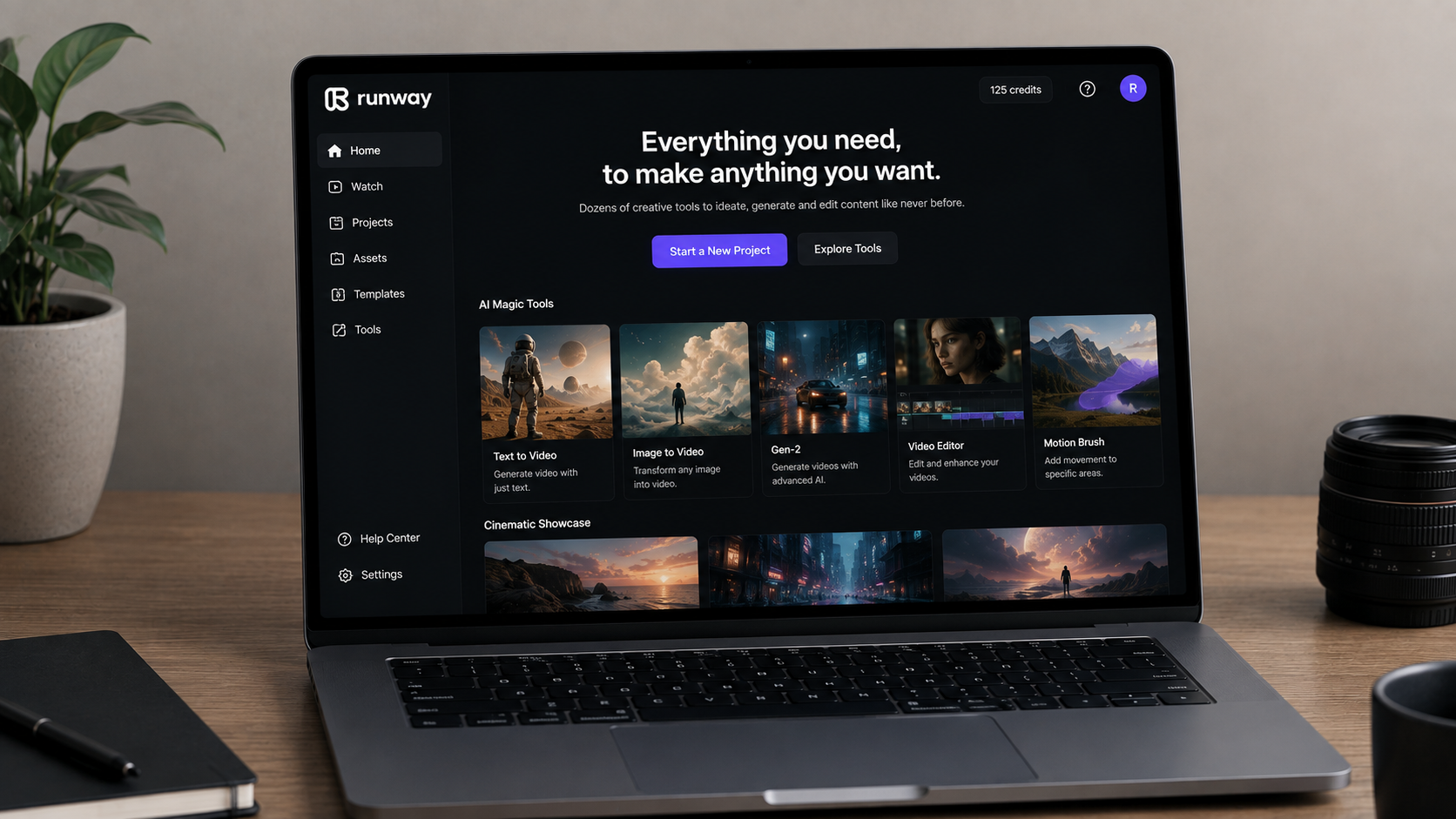
Runway AI (Gen-3)
💡 Best Cinematic · 125 Free Credits · No Watermark · Gen-3 Alpha · Text + Image to VideoWhat Makes Runway AI Video Quality Stand Apart
Runway’s Gen-3 Alpha model produces the most realistic AI video footage available on any free platform today. Moreover, the lighting, shadows, and motion in every clip look genuinely cinematic rather than artificially generated. Furthermore, the model understands detailed prompts about specific camera angles, visual moods, and film styles. As a result, Runway consistently creates short clips that look like they came from a professional film production set.
How to Write Great Prompts for Runway Text to Video
Always describe the scene, lighting, camera movement, and overall mood in your text prompt clearly. Moreover, being specific always helps — “slow zoom on a coffee cup in morning golden light” beats just writing “coffee.” Furthermore, including camera directions like “close-up shot” or “wide cinematic angle” dramatically improves every output. As a result, mastering prompt writing makes the single biggest difference to your Runway AI video quality.
Image to Video — Runway’s Most Powerful Free Feature
Upload any still photo into Runway and the AI automatically animates it into a short video clip. Moreover, a product photo becomes a smoothly moving, cinematic shot within just seconds of processing. Furthermore, portrait photos animate with subtle, realistic movement that looks genuinely professional to viewers. As a result, product photographers, e-commerce sellers, and marketing teams extract enormous value from this one feature alone.
✓ Runway Pros
- Highest visual quality of all 7 tools
- No watermark on free plan
- 125 free credits on signup
- Text AND image to video both work
- Gen-3 Alpha — most realistic AI video
- Credits never expire
✗ Runway Cons
- Only 4 seconds per clip on free
- 125 credits run out relatively fast
- Not ideal for long-form content
6. Synthesia — Best Free AI Avatar Video Maker
Synthesia creates polished videos featuring a realistic AI avatar that speaks your written script word for word. Moreover, you simply type a script, choose an avatar from 140+ options, and the video generates in minutes. As a result, corporate trainers, educators, and business presenters create professional presenter videos without any camera, studio, or recording equipment needed.

Synthesia
🎤 Best AI Avatar · 140+ Avatars · 120+ Languages · No Camera Needed · Free PlanHow Synthesia AI Avatar Videos Actually Work
Type your complete script into Synthesia’s editor and choose one of over 140 realistic AI avatars. Moreover, you then select a language and voice style from more than 120 available options worldwide. Furthermore, the AI automatically syncs the avatar’s lip movements perfectly to every word of your script. As a result, the final video looks exactly like a real person recorded a professional studio presentation.
The Best Business Use Cases for Synthesia in 2026
Corporate training videos, product demonstrations, and new employee onboarding guides are Synthesia’s strongest use cases. Moreover, HR teams use it to produce consistent employee training content without scheduling any filming sessions. Furthermore, customer support teams build helpful explainer videos for their most common user queries. As a result, businesses save significant video production costs by replacing expensive studio recordings with Synthesia’s AI system.
Using Synthesia for Indian Language Video Content
Synthesia fully supports Hindi, Tamil, Telugu, Bengali, and several other widely spoken Indian languages. Moreover, the AI voice quality in these Indian languages is noticeably better than most competing AI video tools. Furthermore, you can produce the exact same training video in multiple Indian languages at the same time. As a result, Synthesia is especially valuable for businesses that operate across different Indian states and regional markets.
✓ Synthesia Pros
- 140+ realistic AI avatars available
- 120+ languages including Hindi
- No camera, studio, or recording needed
- Perfect lip sync on every video
- Great for corporate training content
- Fast video generation time
✗ Synthesia Cons
- Free plan limited to 3 videos/month
- Watermark on free exports
- Avatars still look slightly artificial
7. Lumen5 — Best Free AI Tool for Unlimited Blog-to-Video Conversion
Lumen5 converts blog posts and articles into engaging videos by matching your text with relevant visuals automatically. Moreover, the free plan allows unlimited video creation with absolutely no monthly cap on how many you make. As a result, content teams who publish frequently get more free video output from Lumen5 than from any other free AI video generator on this list.

Lumen5
🎬 Unlimited Free Videos · Blog to Video · AI Script Matching · Music Library · Easy InterfaceHow Lumen5 Converts Your Blog Post Into a Video
Paste your blog post URL directly into Lumen5 and the AI instantly extracts all the key sentences. Moreover, it then matches each sentence with the most relevant stock footage from its built-in media library. Furthermore, you simply review the AI’s selections and swap out any clip you want to change. As a result, a complete blog post transforms into a shareable social media video in under 5 minutes.
Lumen5 Unlimited Free Plan — What Is the Hidden Catch
The free plan lets you create unlimited videos but exports them at 480p resolution only. Moreover, a Lumen5 watermark appears in the corner on every single free export you download. Furthermore, the free plan also restricts access to premium stock footage and certain advanced template styles. As a result, Lumen5 Free works well for testing and social media previews but a paid plan is needed for polished final exports.
Lumen5 vs Pictory — Which Free AI Video Tool Wins for Bloggers
Lumen5 gives you unlimited free videos while Pictory restricts free users to just 3 per month. However, Pictory’s AI voiceover quality is significantly more natural and professional than Lumen5’s offering. Moreover, Pictory also includes a much larger stock footage library with more contextually relevant clip matching. As a result, choose Lumen5 when video quantity matters most and pick Pictory when voice quality and clip accuracy matter more.
✓ Lumen5 Pros
- Unlimited videos on free plan
- Blog URL to video in 5 minutes
- Royalty-free music library included
- Very easy drag-and-drop interface
- Good for testing content ideas
- No credit card needed
✗ Lumen5 Cons
- 480p only on free plan
- Watermark on all free exports
- No AI voiceover on free plan
Which Free AI Video Tool Should You Pick in 2026?
Your specific goal and workflow determine which free AI video generator fits you best. Moreover, the device you use most and how many videos you produce each month also play a big role. As a result, use this simple matching guide below to find your perfect free tool in seconds.
Match Your Specific Goal to the Right Free AI Video Tool
| Your Goal | Best Free Tool | Why It Fits |
|---|---|---|
| Social media and Reels | Canva AI Video | No watermark, 500K+ templates, 1080p free |
| Mobile video editing | CapCut AI | Best mobile AI editor, Hindi support |
| Turn blogs into video | Pictory AI | Paste URL, get full video in 5 minutes |
| YouTube long-form video | InVideo AI | Script to complete YouTube video |
| Cinematic short clips | Runway AI | Best visual quality, no watermark free |
| AI presenter videos | Synthesia | 140+ avatars, 120+ languages |
| Unlimited free videos | Lumen5 | No monthly video limit on free plan |
💡 Best Free Combination Strategy
Start with Canva AI Video for social media content and CapCut AI for mobile Reels. Moreover, add Lumen5 if you publish lots of blog articles and want video versions quickly. Furthermore, try Runway’s 125 free credits when you want premium cinematic clips for a special project. As a result, combining three free tools gives you a complete zero-cost video production system.
Frequently Asked Questions — Free AI Video Generators
Which is the best free AI video generator in 2026?
Can I make videos with AI completely for free?
What is the best AI text to video tool?
Does Runway AI have a free plan with no watermark?
Which AI video tool is best for YouTube channels?
Which AI video generator supports Hindi language?
Is Synthesia good for business presentations?
Is Lumen5 really free with unlimited videos?
❤️ You May Also Like
More AI tools and creator guides for 2026