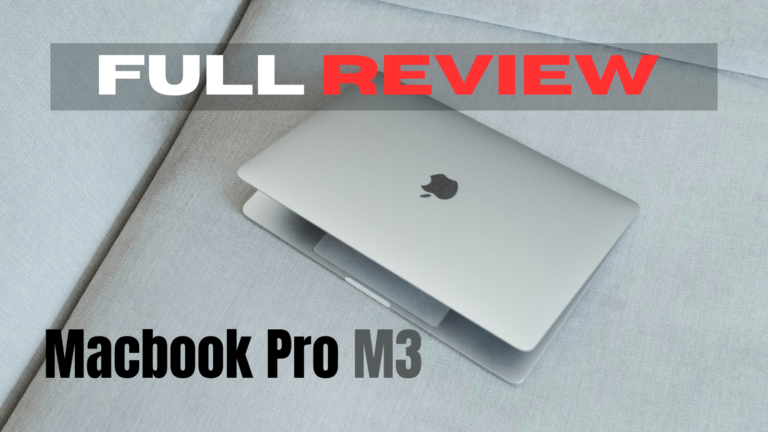
Apple MacBook Pro M3 — The Most Powerful MacBook Ever
Apple launched the MacBook Pro M3 in late 2023, and it quickly became the most discussed laptop in the world. Furthermore, the M3 chip — built on a 3-nanometre process — delivers benchmark scores that match or beat laptops costing significantly more.
However, the MacBook Pro M3 starts at ₹1,69,900 in India. Consequently, this is not a casual purchase. The real question is not whether it is a great laptop — it clearly is. The question is whether it is worth that price for your specific needs and use case.
Therefore, this review is built on 30 days of actual daily use — coding, video editing, Zoom calls, gaming and writing sessions. Subsequently, we break down every important aspect honestly. Ultimately, you will have a clear, confident answer. Thus, no guesswork — just real results.
💡 Quick Verdict: The MacBook Pro M3 is genuinely one of the finest laptops ever built. Moreover, for creators, developers and professionals it is absolutely worth the investment. However, if you do light work — browsing, documents, video calls — the MacBook Air M3 at ₹1,14,900 delivers 90% of the experience at a considerably lower price.
MacBook Pro M3 — Our Full Score Dashboard
Overall Rating — MacBook Pro M3 (2026)
Exceptional across every category. Value score is the only relative weakness — and it is justified by the professional-grade capabilities this machine delivers.
Apple MacBook Pro M3 — Complete Spec Sheet
Performance — M3 Chip in 30 Days of Real Use
The M3 chip is a genuine generational leap. Furthermore, in Geekbench 6, the MacBook Pro M3 scores around 3,100 single-core and 12,100 multi-core — matching many Intel and AMD laptops costing ₹50,000 more.
However, raw benchmarks only tell part of the story. What is more impressive is sustained performance. Consequently, the M3 maintains full speed during 4K video exports, lengthy Xcode builds, and ML training — without the thermal throttling that cripples most thin Windows laptops after a few intense minutes.
Furthermore, the 10-core GPU with hardware ray tracing performs noticeably better in Final Cut Pro and DaVinci Resolve compared to the M2. Moreover, Apple’s ProRes acceleration delivers real-time 4K and 8K playback without proxy files. Consequently, tasks that previously took hours now finish in minutes.
Meanwhile, gaming has improved with M3 hardware ray tracing and Metal 3 API support. However, the macOS game library remains far smaller than Windows. Conversely, if gaming is your primary need, a Windows laptop remains the more logical choice. Ultimately, for professional and creative workloads, no laptop chip at this price currently matches what the M3 delivers. Thus, the performance score of 9.8 is fully earned.
Battery Life — Does the 22-Hour Claim Hold Up?
Apple claims 22 hours. Furthermore, in real-world mixed use — browsing, writing, video calls and light creative work — we consistently achieved 14 to 18 hours on a single charge. That figure is extraordinary compared to virtually every Windows laptop alternative at any price.
However, under sustained heavy loads — 4K exports, extended Xcode compilations, running multiple demanding applications — battery drops to around 5 to 7 hours. Consequently, developers and video editors doing intensive all-day work should still keep the charger nearby during peak sessions.
MagSafe 3 is genuinely practical. Furthermore, reaching 50% from flat takes approximately 30 minutes with the bundled 70W adapter. Moreover, the magnetic connection means accidental cable yanks never result in the laptop crashing off the desk. Ultimately, for most buyers, the MacBook Pro M3’s battery makes the charger an optional item — not a daily essential. Thus, the freedom that brings is very real and immediately noticeable.
Display — Liquid Retina XDR with 120Hz ProMotion
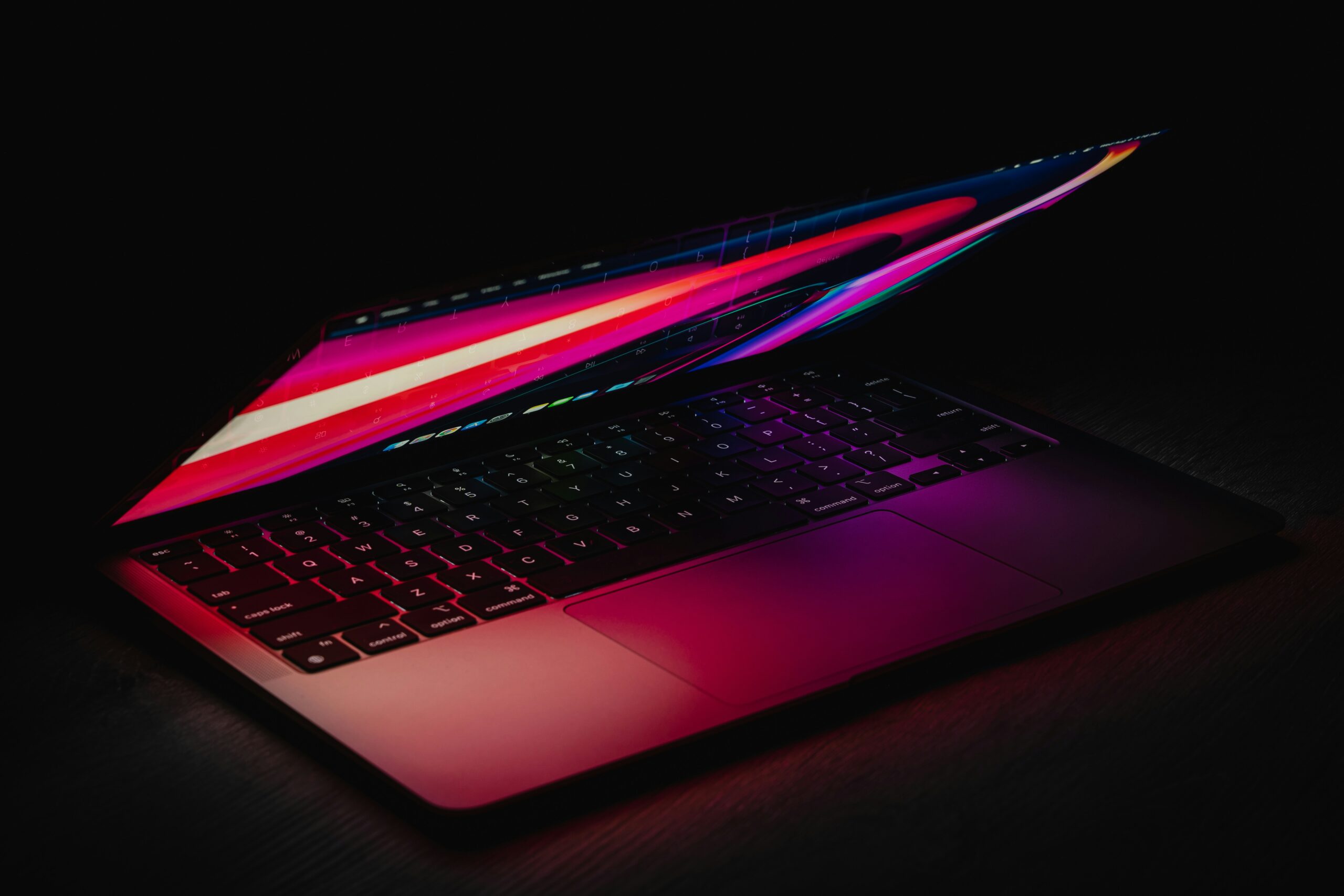
The MacBook Pro M3’s display is the finest laptop screen you can buy in 2026. Furthermore, the 3024 × 1964 Liquid Retina XDR panel delivers 1000 nits sustained brightness and 1600 nits HDR peak — making outdoor use in bright sunlight genuinely comfortable.
The 120Hz ProMotion technology is adaptive — intelligently switching between 24Hz and 120Hz based on content type. Consequently, scrolling, animations and cursor movement feel noticeably smoother than 60Hz displays. Moreover, the adaptive refresh actively conserves battery during lower-intensity moments — a thoughtful design decision.
Colour accuracy is exceptional. Furthermore, full P3 wide colour gamut with factory calibration means photographers and video editors can trust on-screen colours without additional calibration tools. However, the glossy panel produces reflections in bright rooms. Conversely, this comes with the tradeoff of significantly richer colours compared to matte panels. Ultimately, minor criticisms on an otherwise extraordinary display — the finest available on any laptop today.
Design and Build — Apple’s Signature Precision
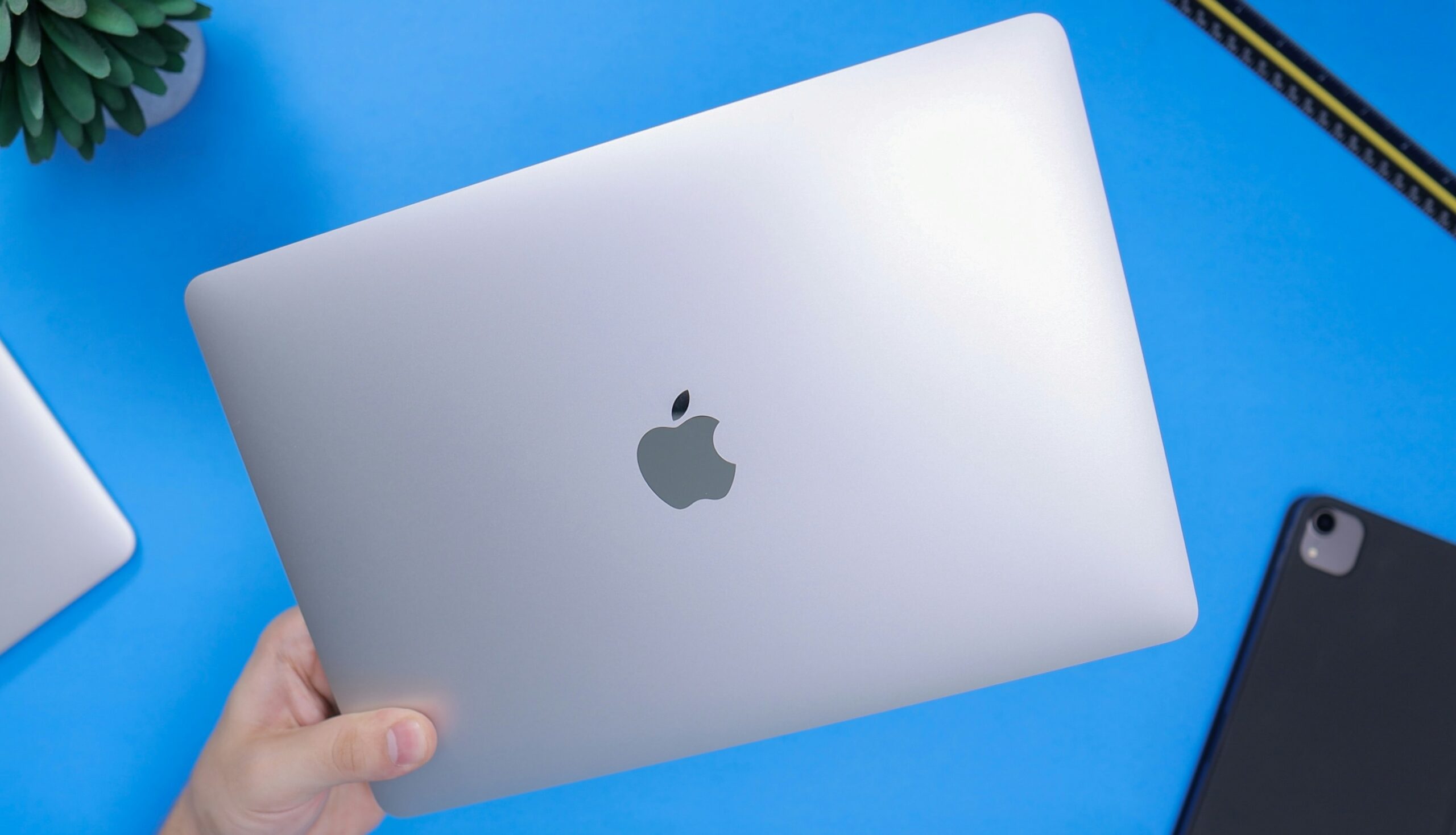
The MacBook Pro M3 is machined from a single block of aluminium. Furthermore, every edge, surface and join feels precisely made — no flex, no creak, no compromise anywhere in the construction. Consequently, picking it up feels like handling a precision instrument rather than a consumer product.
The keyboard is among the best available on any laptop today. Moreover, key travel is satisfying, backlighting is uniform, and the scissor mechanism delivers a consistent, confident typing experience across even marathon coding or writing sessions. Furthermore, the Force Touch trackpad — largest on any laptop — is smooth and gesture-friendly in a way no Windows trackpad currently replicates.
Port selection is significantly improved over M1 and M2 generations. Subsequently, three Thunderbolt 4 ports, full-size HDMI 2.1, SDXC card reader and MagSafe 3 means most users no longer need a dock or dongle. Therefore, the dongle frustration era of early MacBooks is firmly behind us now.
However, the display notch remains on the M3 generation. Conversely, Apple has made it feel less intrusive by widening the menu bar around it. Ultimately, it is a minor visual compromise on an otherwise exceptional machine. Thus, design-wise, this remains the gold standard for laptop build quality in 2026.
MacBook Pro M3 — Full Honest Pros and Cons
✅ What We Love
- M3 chip — best performance at this price
- 14–18 hours real-world battery life
- Liquid Retina XDR — best laptop screen
- 120Hz ProMotion — perfectly smooth
- Full port selection — no dongle needed
- Premium aluminium build — zero flex
- Best laptop keyboard and trackpad available
- 6-speaker Spatial Audio system
- 12MP Centre Stage webcam
- macOS updates supported 7+ years
❌ Could Be Better
- ₹1,69,900 base — very expensive
- 8GB RAM base model feels limiting
- RAM and storage not upgradeable post-purchase
- Notch still present on the display
- Glossy screen — reflective in bright rooms
- Gaming library far smaller than Windows
- macOS learning curve for Windows switchers
- No cellular connectivity available
⚠️ Critical Buying Advice — Always Choose 16GB RAM
The base MacBook Pro M3 ships with only 8GB unified memory. Furthermore, since RAM cannot be upgraded after purchase, this decision affects you for the machine’s entire lifespan. We strongly recommend upgrading to 16GB at purchase time. Consequently, it adds approximately ₹20,000 but prevents the machine from feeling underpowered within 2 to 3 years. Therefore, treat 8GB as the minimum and 16GB as the sensible starting configuration for any professional use in 2026.
MacBook Pro M3 vs Alternatives — Honest Comparison
The MacBook Pro M3 does not exist in isolation. Therefore, comparing it against the most relevant alternatives helps clarify whether the premium is truly justified for your specific situation and budget.
| Laptop | Chip | Battery | Display | India Price | Best For |
|---|---|---|---|---|---|
| MacBook Pro M3 ⭐ This Review | Apple M3 | 14–18 hrs | XDR 120Hz | ₹1,69,900+ | Creators, developers |
| MacBook Air M3 💰 Better Value | Apple M3 | 15–18 hrs | Retina 60Hz | ₹1,14,900+ | Students, light use |
| Dell XPS 15 (2025) | Intel Core Ultra 7 | 6–9 hrs | OLED 4K 120Hz | ₹1,40,000+ | Windows power users |
| Lenovo ThinkPad X1 🏢 Business | Intel Core Ultra 5 | 10–14 hrs | IPS 2K 60Hz | ₹1,25,000+ | Enterprise, business |
| Asus ROG Zephyrus G14 | AMD Ryzen 9 | 5–8 hrs | OLED 2K 165Hz | ₹1,30,000+ | Gaming + creative |
The MacBook Air M3 at ₹1,14,900 is the most critical comparison. Furthermore, both use the identical M3 chip and deliver nearly the same performance for everyday tasks. However, the MacBook Pro M3 adds active cooling for sustained heavy workloads, the brighter XDR display with 120Hz ProMotion, and more ports. Consequently, if your work rarely involves extended heavy loads, the Air M3 is the smarter financial decision — same chip, ₹55,000 cheaper. Conversely, sustained professional workloads justify the Pro’s premium clearly and completely.
Who Should Buy the MacBook Pro M3 — and Who Should Not
Video Editors and Filmmakers
M3 GPU and Apple ProRes acceleration deliver real-time 4K and 8K editing. Furthermore, the XDR display ensures accurate colour grading. Consequently, this is the best laptop for video professionals under ₹2.5 lakh.
Software Developers
Fast Xcode builds, smooth multitasking, and 14–18 hour battery make this the definitive developer machine. Moreover, the charger becomes optional — not mandatory — for most working days.
Graphic Designers
Factory-calibrated P3 wide colour display provides the most accurate canvas on any laptop. Furthermore, Photoshop, Illustrator and Affinity Suite performance is genuinely class-leading. Consequently, designers get both accuracy and speed.
Data Scientists
Apple’s Neural Engine accelerates ML tasks significantly. Moreover, unified memory handles large datasets efficiently. Therefore, researchers find genuine daily workflow improvements over every competing laptop at this price.
Students — Depends on Field
Engineering, design and film students will utilise the M3’s power fully. However, arts and commerce students are better served by the MacBook Air M3 — same chip, ₹55,000 cheaper. Therefore, choose based on actual workload.
Gamers — Do Not Buy This
macOS game library remains far smaller than Windows. Conversely, the Asus ROG Zephyrus delivers far better gaming at a similar price. Therefore, if gaming is primary, a Windows gaming laptop is the correct choice — not this.
💡 Best Time to Buy MacBook Pro M3 in India
MacBook prices drop during Amazon Great Indian Festival, Flipkart Big Billion Days and Apple Education Store promotions. Furthermore, students save ₹8,000–₹15,000 through Apple’s Education Store with a valid student ID. Moreover, exchange offers regularly provide ₹5,000–₹12,000 additional value on Amazon and Flipkart. Consequently, timing your purchase around these events can save meaningful money. Therefore, check sale calendars before buying at full price — even a few weeks of patience pays off well.
Ready to Buy the MacBook Pro M3?
Check the latest prices from authorised sellers below. Moreover, always buy from Apple’s official store, Amazon, or Flipkart with verified sellers to ensure genuine warranty and after-sales support. Furthermore, always compare configurations — 16GB RAM is the recommended minimum for any professional use.
Final Verdict — Is the MacBook Pro M3 Worth Buying?
Outstanding — One of the Best Laptops Ever Made
The MacBook Pro M3 earns its reputation through genuine excellence. Furthermore, no Windows laptop at this price matches its combination of chip performance, battery life, display quality and construction precision. Consequently, for professionals who depend on their laptop for demanding creative and technical work every single day, this is the best investment available in 2026.
Thus, the MacBook Pro M3 is not the right laptop for everyone. However, for the right buyer, it is genuinely hard to argue against. Check the current price on Amazon and compare configurations carefully before deciding. Ultimately, choosing the right variant — especially 16GB RAM — is as important as choosing the right laptop in the first place.
MacBook Pro M3 — Common Questions Answered
❤️ You May Also Like
More honest tech reviews and buying guides